

I don't like reading books.
But thanks to AI, I can summarize them in a few seconds.
Here's how to know the contents of any book for free using Google Bard:
But thanks to AI, I can summarize them in a few seconds.
Here's how to know the contents of any book for free using Google Bard:
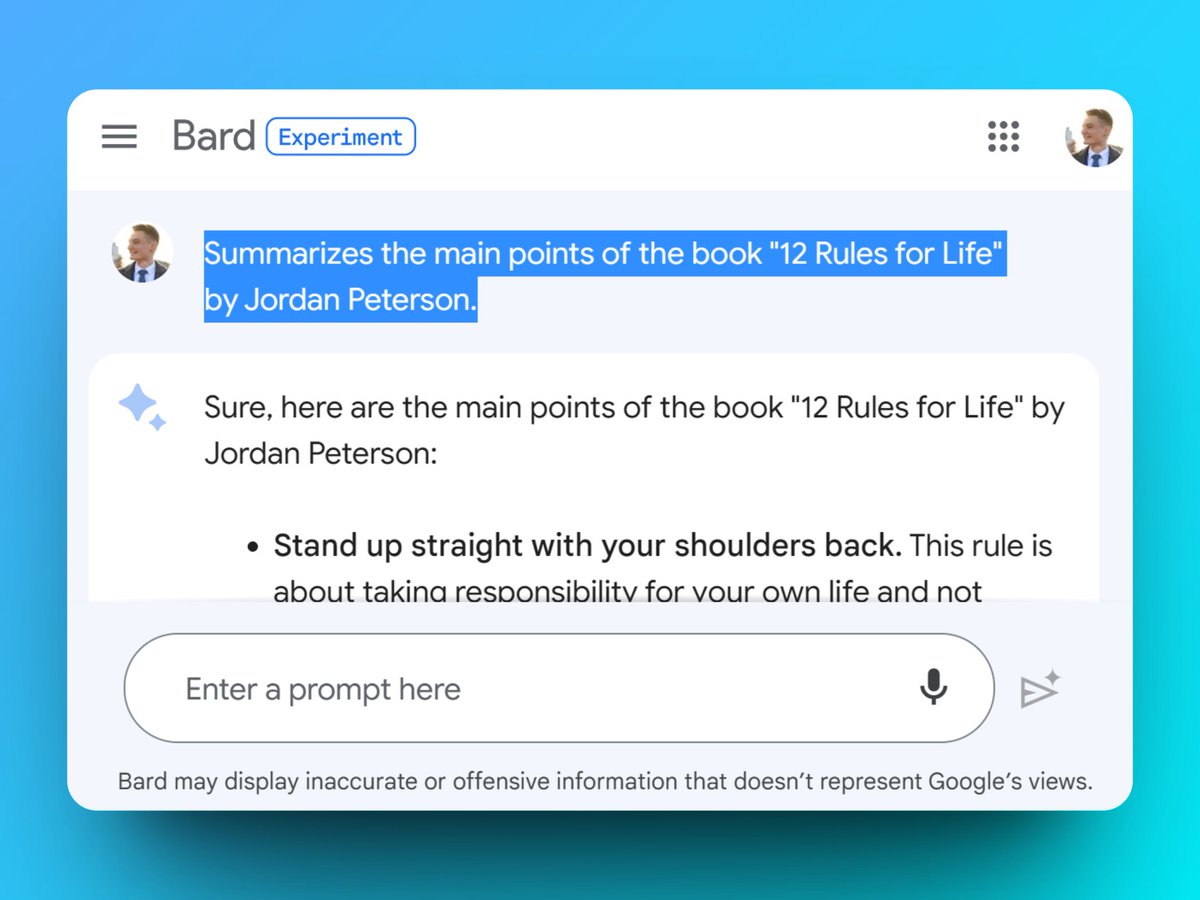
Access Google Bard the ChatGPT competitor:
→ Totally free
→ Real-time Internet access
→ bard.google.com
Use a VPN or the Opera browser to access it if you're in an EU country.
→ Totally free
→ Real-time Internet access
→ bard.google.com
Use a VPN or the Opera browser to access it if you're in an EU country.

1. Request a summary
→ Use the prompt below to request a summary
→ The book should be relatively well-known for best results
Prompt: Summarizes the main points of the book "YOUR BOOK" by AUTHOR.
→ Use the prompt below to request a summary
→ The book should be relatively well-known for best results
Prompt: Summarizes the main points of the book "YOUR BOOK" by AUTHOR.

2. Detail a point
→ You can ask for more explanation of a point
Prompt (example): "Can you explain the following rule: Be precise in your speech."
→ You can ask for more explanation of a point
Prompt (example): "Can you explain the following rule: Be precise in your speech."

3. Ask for an example
→ It's easier to remember with examples
→ Ask Bard to illustrate a point
Prompt (example): "Give me an example of a sentence to avoid and the same sentence that respects this rule."
→ It's easier to remember with examples
→ Ask Bard to illustrate a point
Prompt (example): "Give me an example of a sentence to avoid and the same sentence that respects this rule."

4. Export the summary
→ Click on the arrow at the bottom of an answer
→ Click on "Export to Docs" to automatically generate a new document
→ Click on the arrow at the bottom of an answer
→ Click on "Export to Docs" to automatically generate a new document

5. Get recommendations for other books
→ Bard can recommend books similar to the one you've summarized
→ He provides the title, a short summary, and a link to access it
→ Bard can recommend books similar to the one you've summarized
→ He provides the title, a short summary, and a link to access it

I send one email a week with a tip or tutorial on how you can use AI and No-Code.
Subscribe for free to receive it:
paulai.cc
Subscribe for free to receive it:
paulai.cc

I hope you find this tip with Bard useful! If you enjoyed this guide, please don't hesitate to:
1. Follow me @itsPaulAi for more AI content
2. Like & Retweet the first tweet below:
1. Follow me @itsPaulAi for more AI content
2. Like & Retweet the first tweet below:
Loading suggestions...