

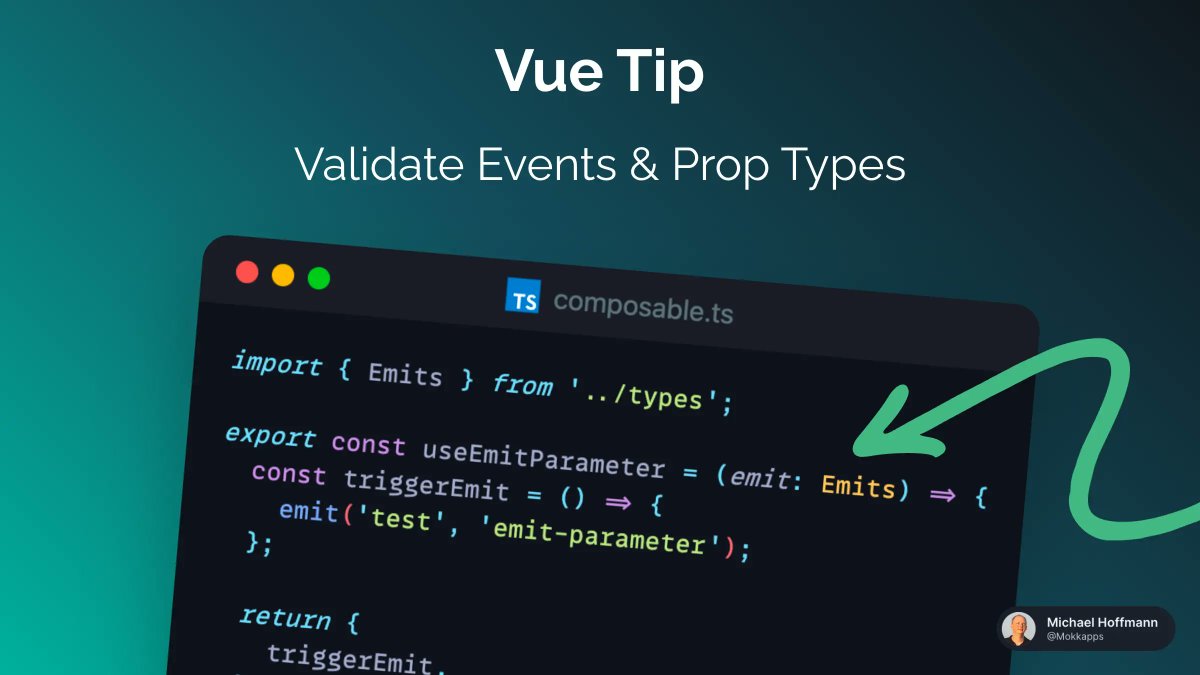
@vuejs Your application may contain a lot of components that are using the same logic.
For example, you may have a lot of components that emit the same event.
In this case, it might be tempting to create a composable that will emit this event and is used in all components.
For example, you may have a lot of components that emit the same event.
In this case, it might be tempting to create a composable that will emit this event and is used in all components.
@vuejs If you are using Vue 3 with the "<script setup>" you define your emits using the "defineEmits" compiler macro:

@vuejs "defineEmits" is a compiler macro that is only usable inside "<script setup>" and compiled away when "<script setup>" is processed. Thus, we cannot use it inside a composable.
@vuejs Let's take a look at three possible solutions to emit an event inside a composable without using "defineEmits" inside of it.
@vuejs 1. Emit from your component
In general, I would always recommend emitting from your component. This is the most straightforward solution and it is easy to understand what is happening.
In general, I would always recommend emitting from your component. This is the most straightforward solution and it is easy to understand what is happening.
@vuejs So you would have a composable with some logic, in this example the composable returns a reactive counter variable and a function to increment the counter:

@vuejs In our Vue component, we would watch the counter value and emit the event when the counter changes:

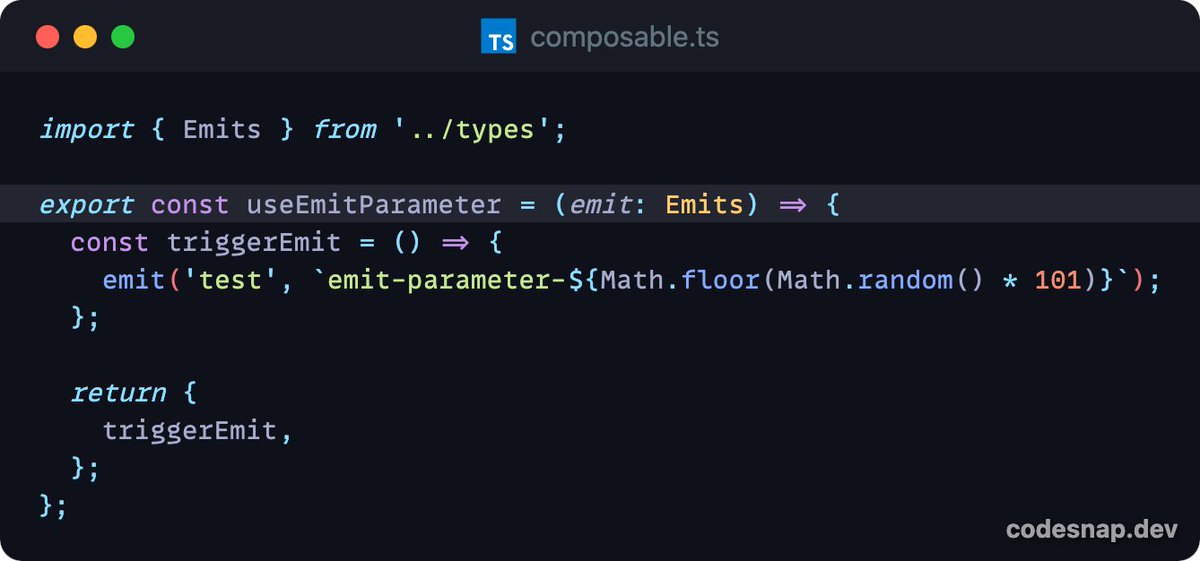
@vuejs 2. Pass emit as a parameter
Another solution would be to pass the emit object as an argument to the composable:
Another solution would be to pass the emit object as an argument to the composable:

@vuejs 3. Use getCurrentInstance
The last solution is to use the getCurrentInstance function from Vue to get the emit object from the current component instance:
The last solution is to use the getCurrentInstance function from Vue to get the emit object from the current component instance:

@vuejs ⚠️ Use with caution
getCurrentInstance is an undocumented internal API that you should use with caution.
getCurrentInstance is an undocumented internal API that you should use with caution.
@vuejs Follow me @Mokkapps if you are interested in tips like this!
This tip was first published in my weekly Vue & Nuxt newsletter:
weekly-vue.news
This tip was first published in my weekly Vue & Nuxt newsletter:
weekly-vue.news

Loading suggestions...