

10 minute tutorial: turn your selfie into a lush landscape or any image you like with AI - here's how in 5 easy steps... 👇


1) Step one, take the photo and remove the background using a tool like Adobe's free background remover: adobe.com
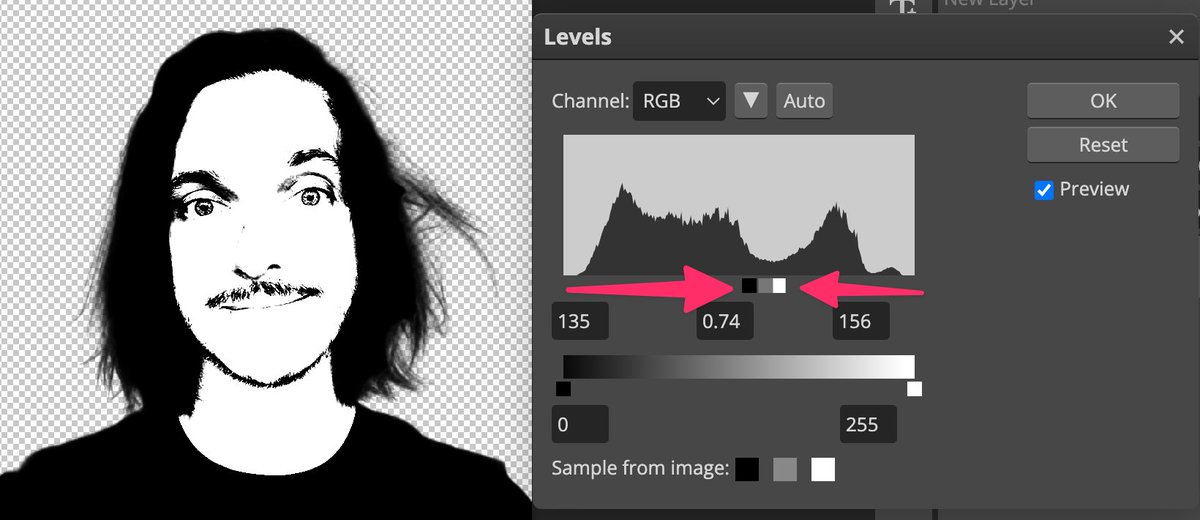
2) Step 2, import it into Photoshop or a free tool like PhotoPea (photopea.com.) Make it black and white. Then use Image > Adjustments > Levels and drag the end sliders super-close to make the image v high contrast. Add white background layer + export to PNG.
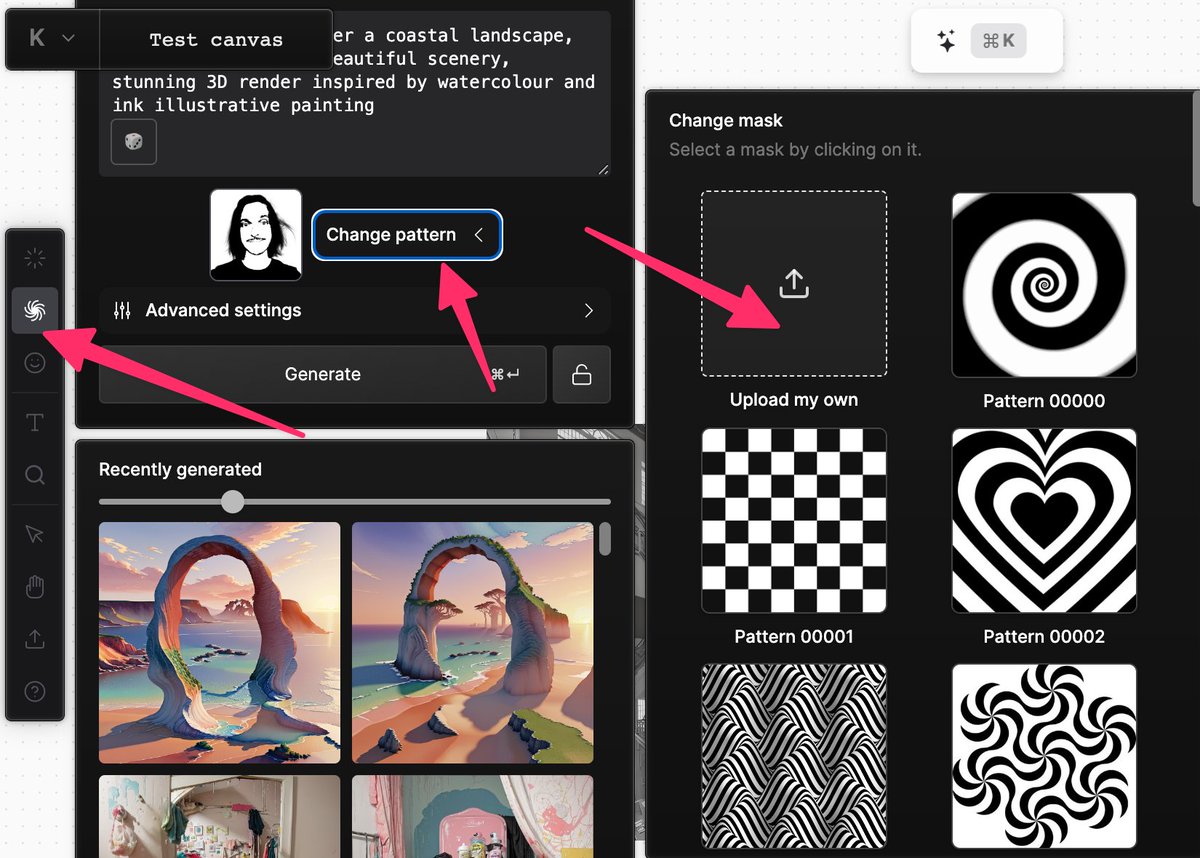
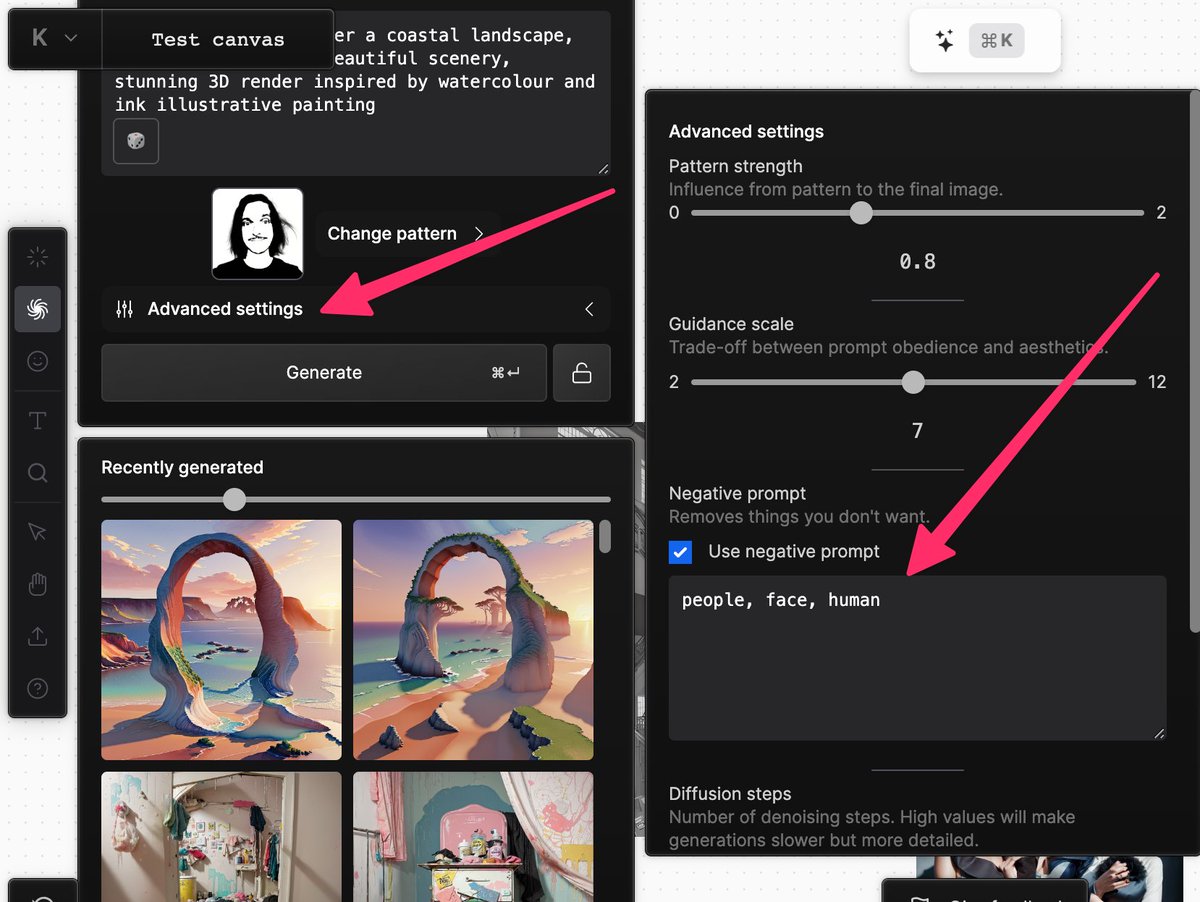
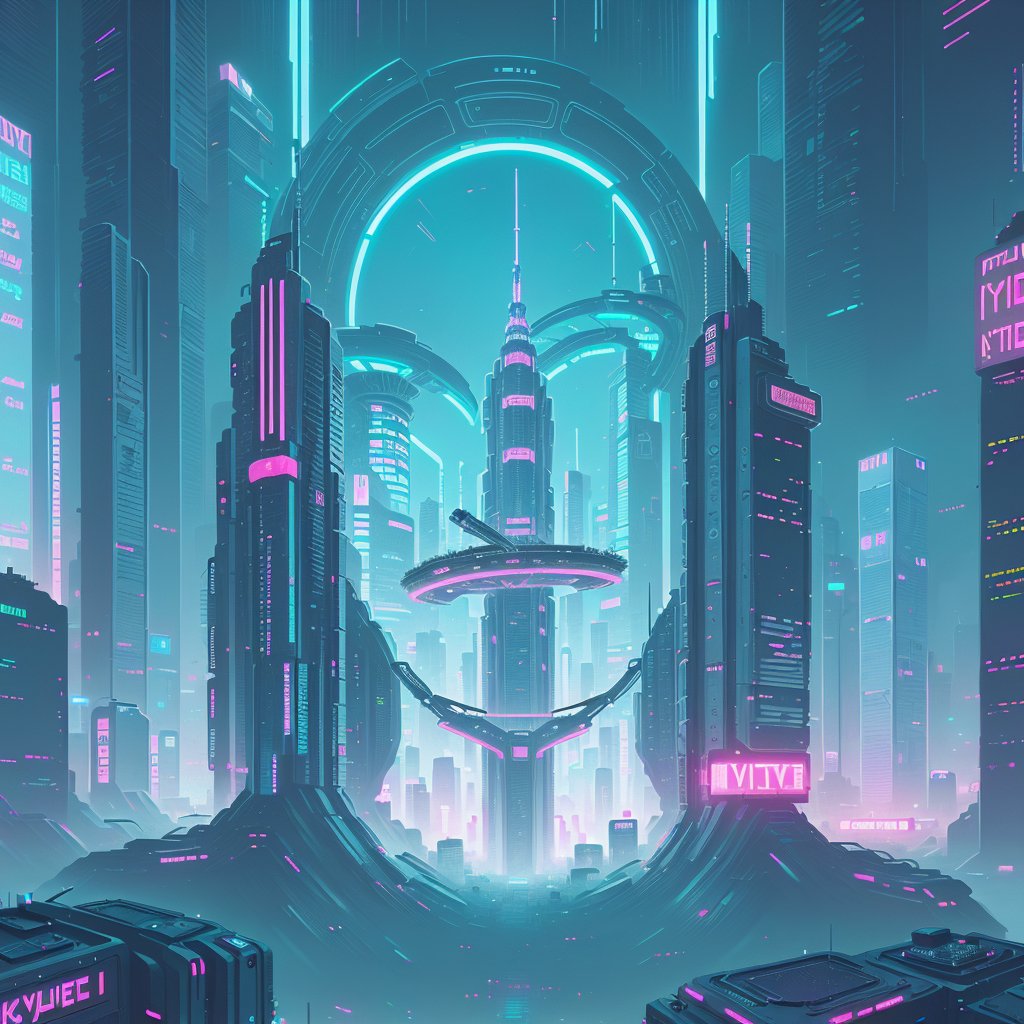
5) And voila! All your #AI scenes will carry a subliminal hint of you. Full-size it's undetectable, but zoomed-out the resemblance is plain to see! Remarkable stuff.
HINT: this would also work for logos, symbols, and anything else you can draw in hard black-and-white.
HINT: this would also work for logos, symbols, and anything else you can draw in hard black-and-white.
Loading suggestions...