
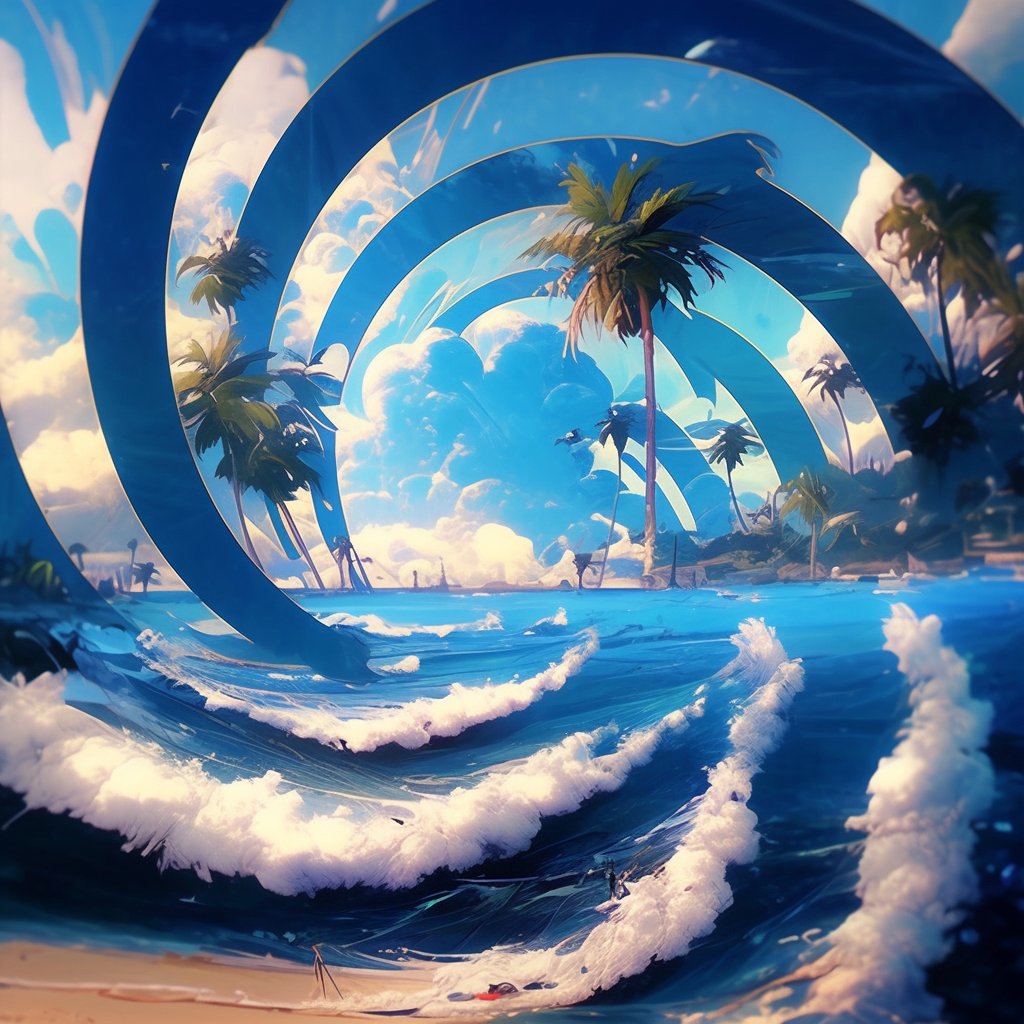
Have you seen these AI designs before?
They were invented by @MrUgleh and created with Stable Diffusion.
I just found a way to make them using Midjourney.
They're not perfect, but I still think they look pretty cool.
Steps below ↓
They were invented by @MrUgleh and created with Stable Diffusion.
I just found a way to make them using Midjourney.
They're not perfect, but I still think they look pretty cool.
Steps below ↓
Step #1
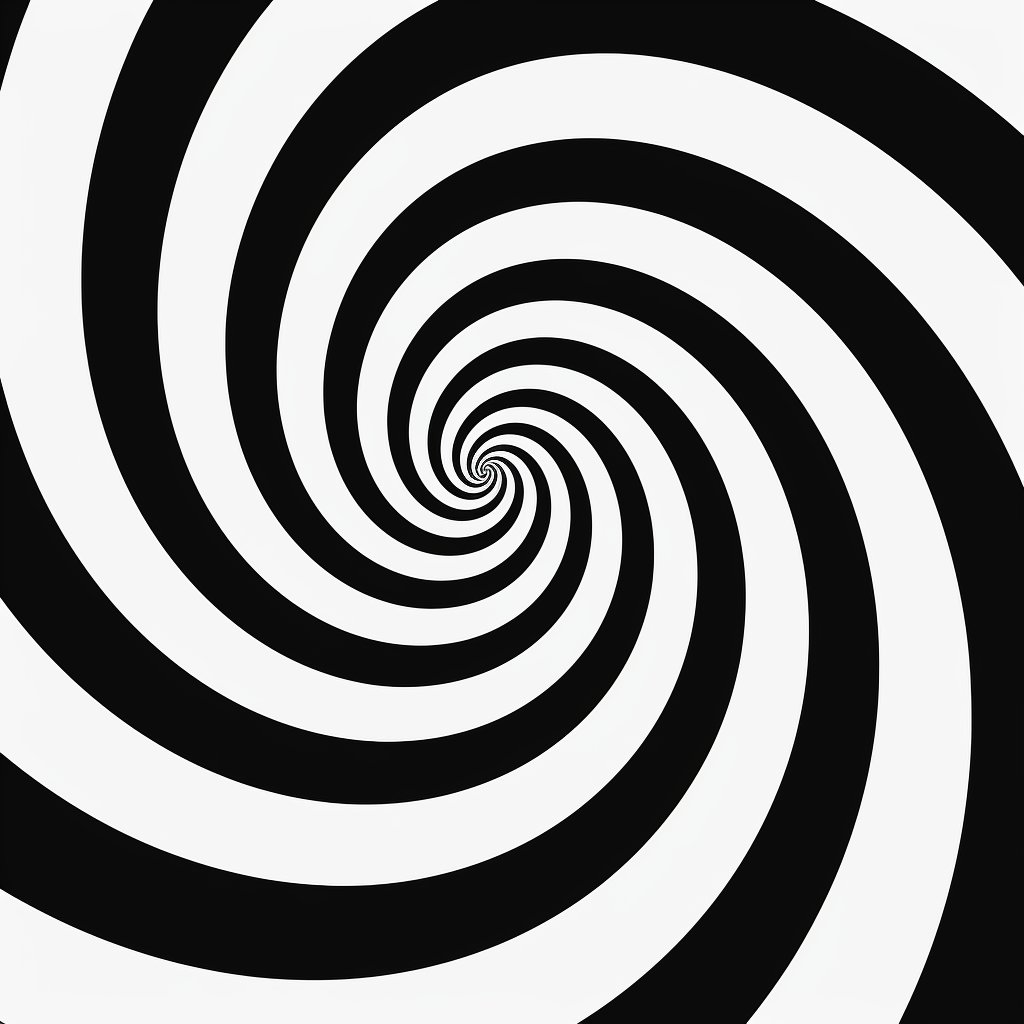
We need a base image for the pattern, like a checkerboard or a spiral.
To make the spiral below, I used this prompt:
[a hypnotic spiral], black and white --style raw --stylize 0
You can change the spiral to whatever you like.
We need a base image for the pattern, like a checkerboard or a spiral.
To make the spiral below, I used this prompt:
[a hypnotic spiral], black and white --style raw --stylize 0
You can change the spiral to whatever you like.
Step #2
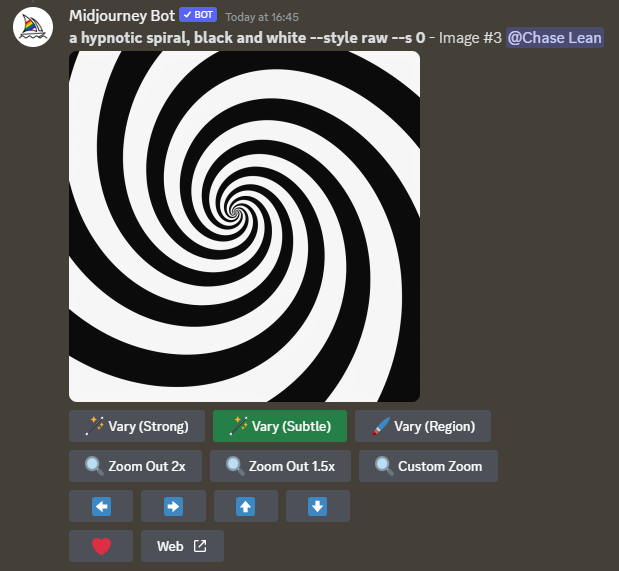
Next, press the Vary Subtle button, with Remix mode enabled (you can turn it on via the settings).
Next, press the Vary Subtle button, with Remix mode enabled (you can turn it on via the settings).
Step #3
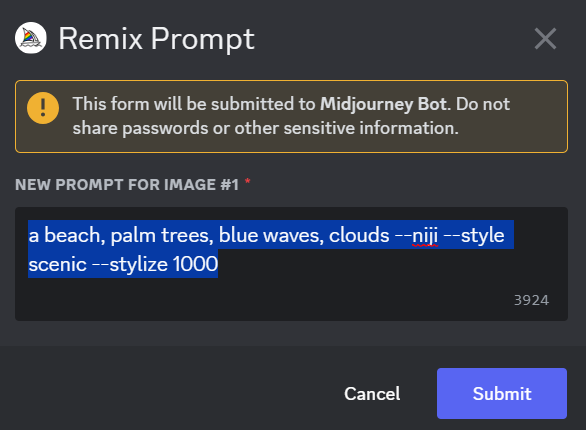
This box should pop up.
Enter your new prompt, describing what the image should contain. Again, it can be anything you like.
For example:
- a beach, palm trees, blue waves, clouds
- a photo of a castle on a cliff
Once you're done, press submit.
This box should pop up.
Enter your new prompt, describing what the image should contain. Again, it can be anything you like.
For example:
- a beach, palm trees, blue waves, clouds
- a photo of a castle on a cliff
Once you're done, press submit.
Step #4
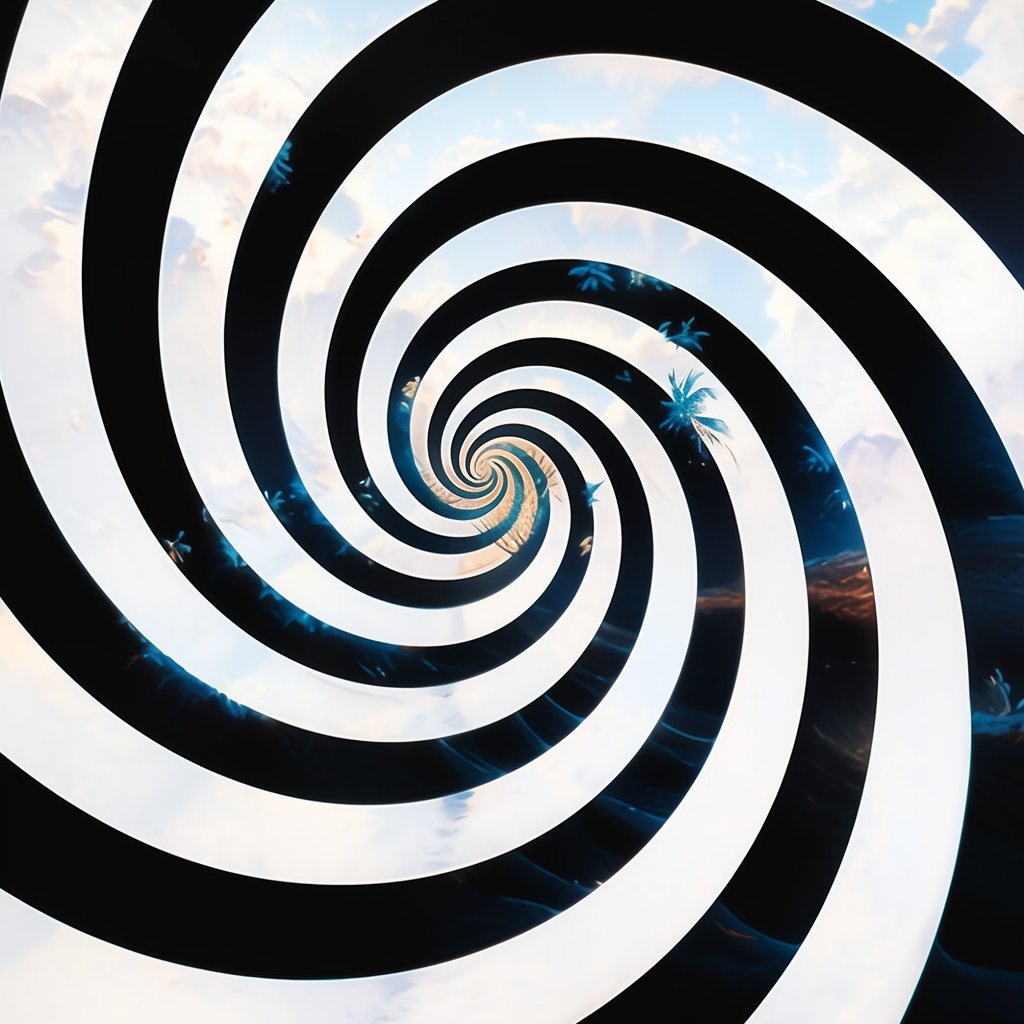
Here is the output image.
It still looks like the original pattern, but there's a tiny bit of detail added.
Notice the small palm trees and the faint waves.
Keep repeating steps 2 & 3 by using Vary (Subtle) on the image, with the same prompt.
Here is the output image.
It still looks like the original pattern, but there's a tiny bit of detail added.
Notice the small palm trees and the faint waves.
Keep repeating steps 2 & 3 by using Vary (Subtle) on the image, with the same prompt.
Step #5
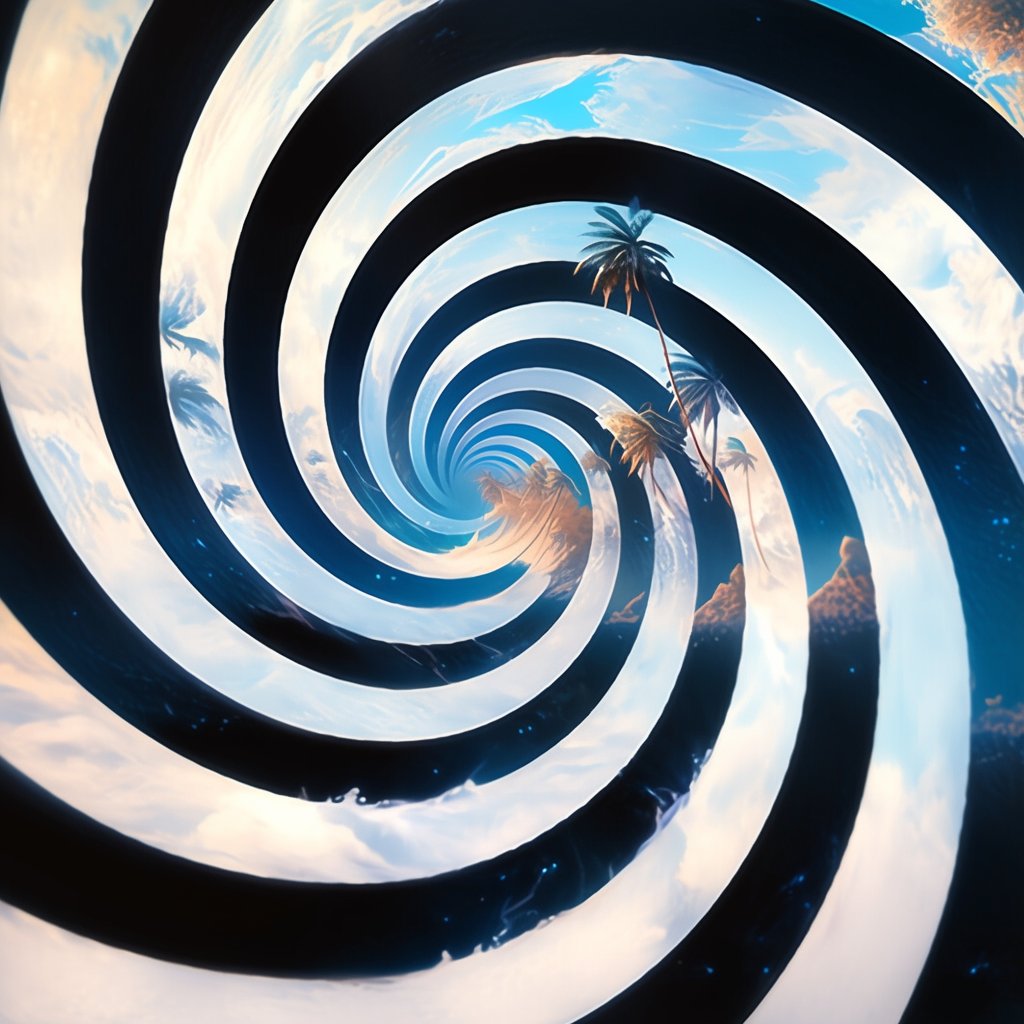
As you keep doing subtle variations, your image should contain more and more detail.
Repeat it until you're satisfied.
As you keep doing subtle variations, your image should contain more and more detail.
Repeat it until you're satisfied.
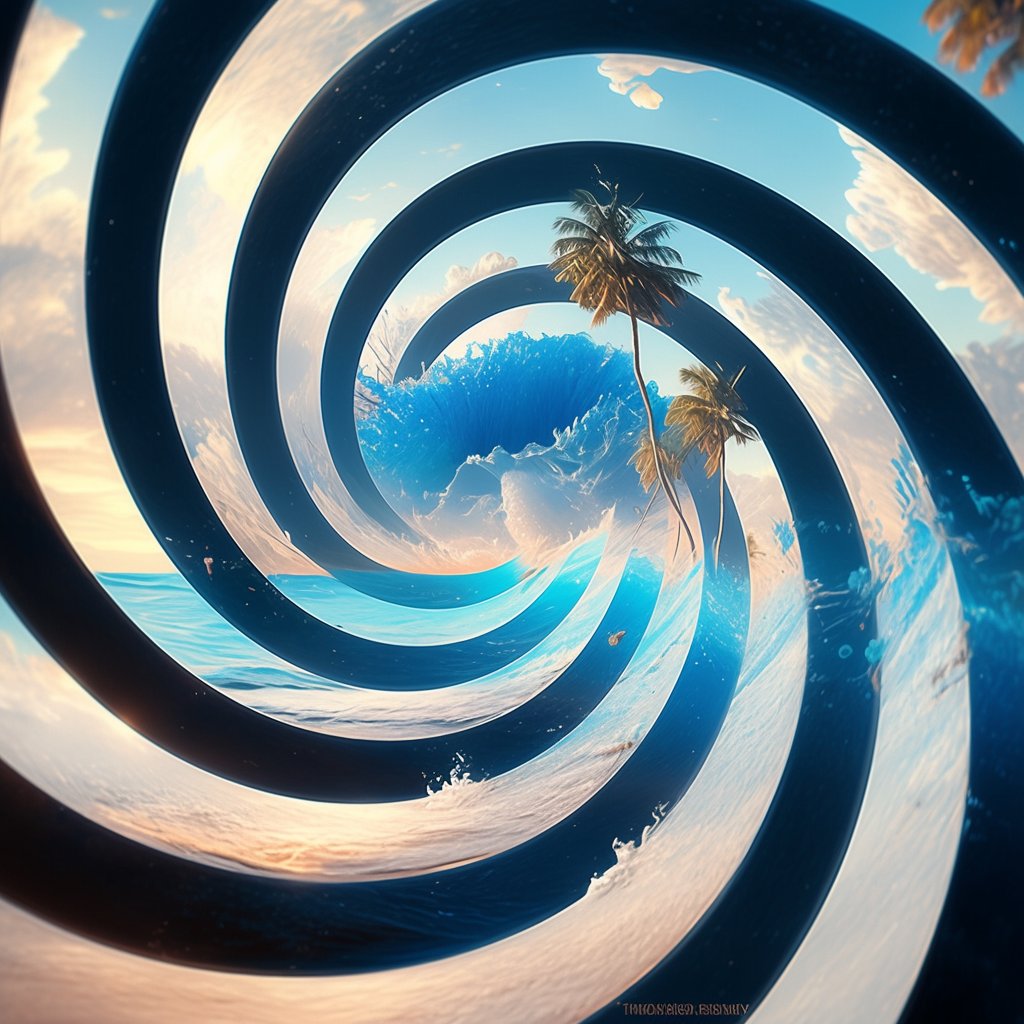
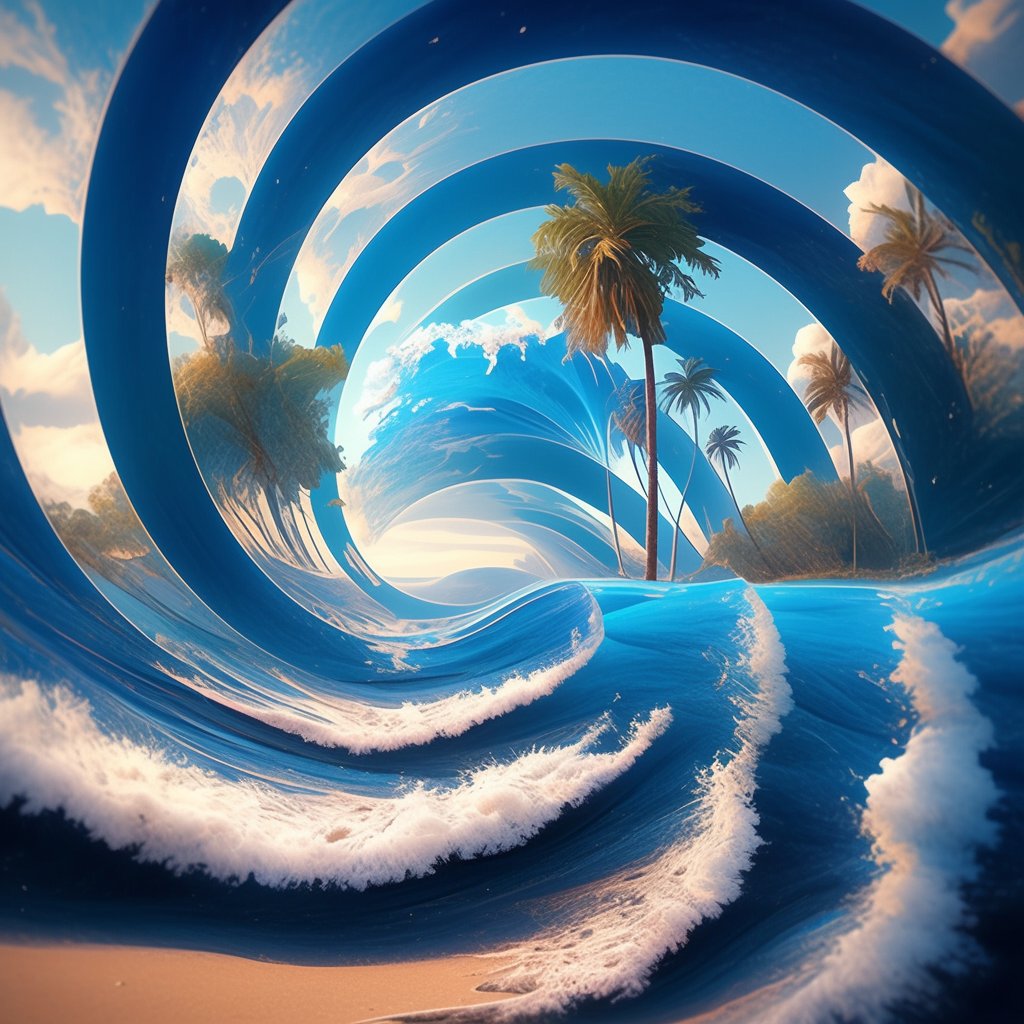
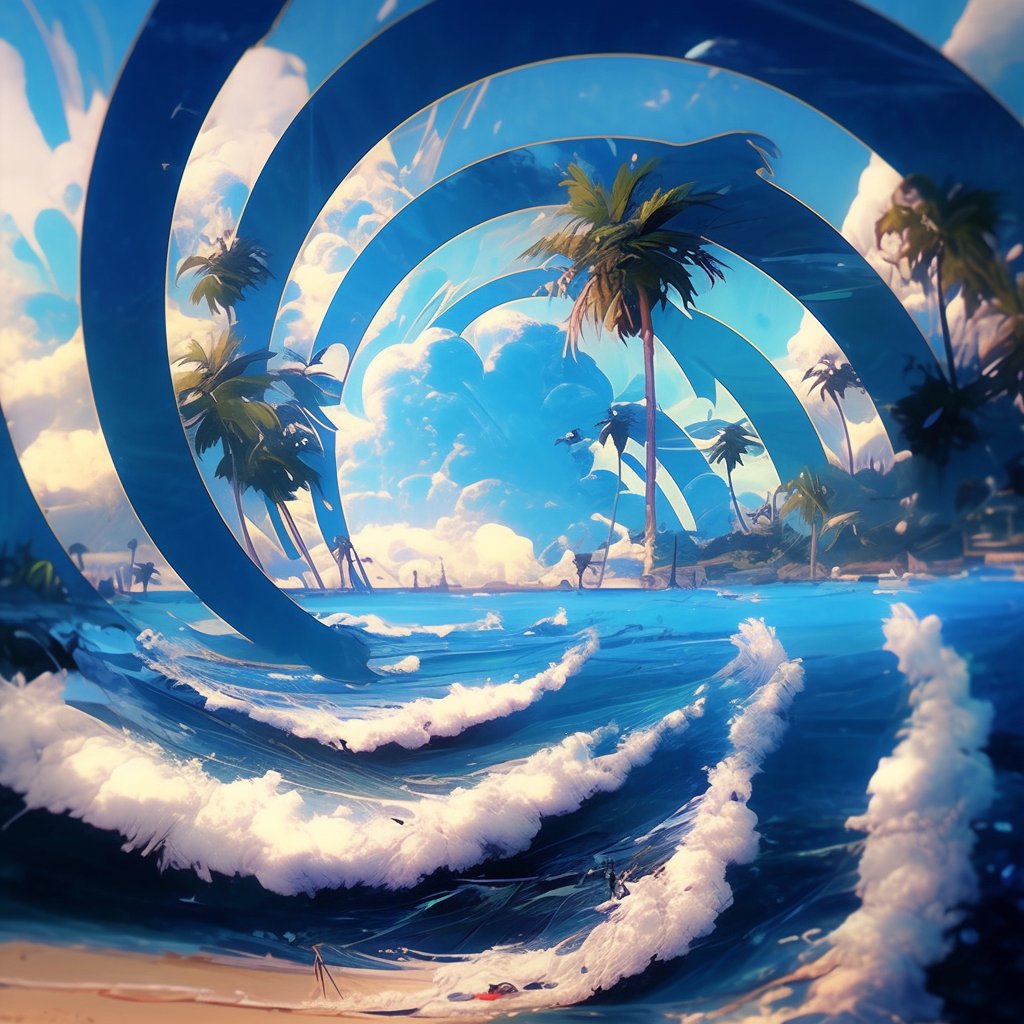
I was pretty happy with this result, so I decided to stop here.
Loading suggestions...