

DALL•E 3 is great to create tileable images.
These kinds of images need matching borders to create seamless patterns such as fabrics, textures & more.
Here are the prompts I used and a quick guide to fix the images if the result is not perfect:
These kinds of images need matching borders to create seamless patterns such as fabrics, textures & more.
Here are the prompts I used and a quick guide to fix the images if the result is not perfect:
PROMPTS
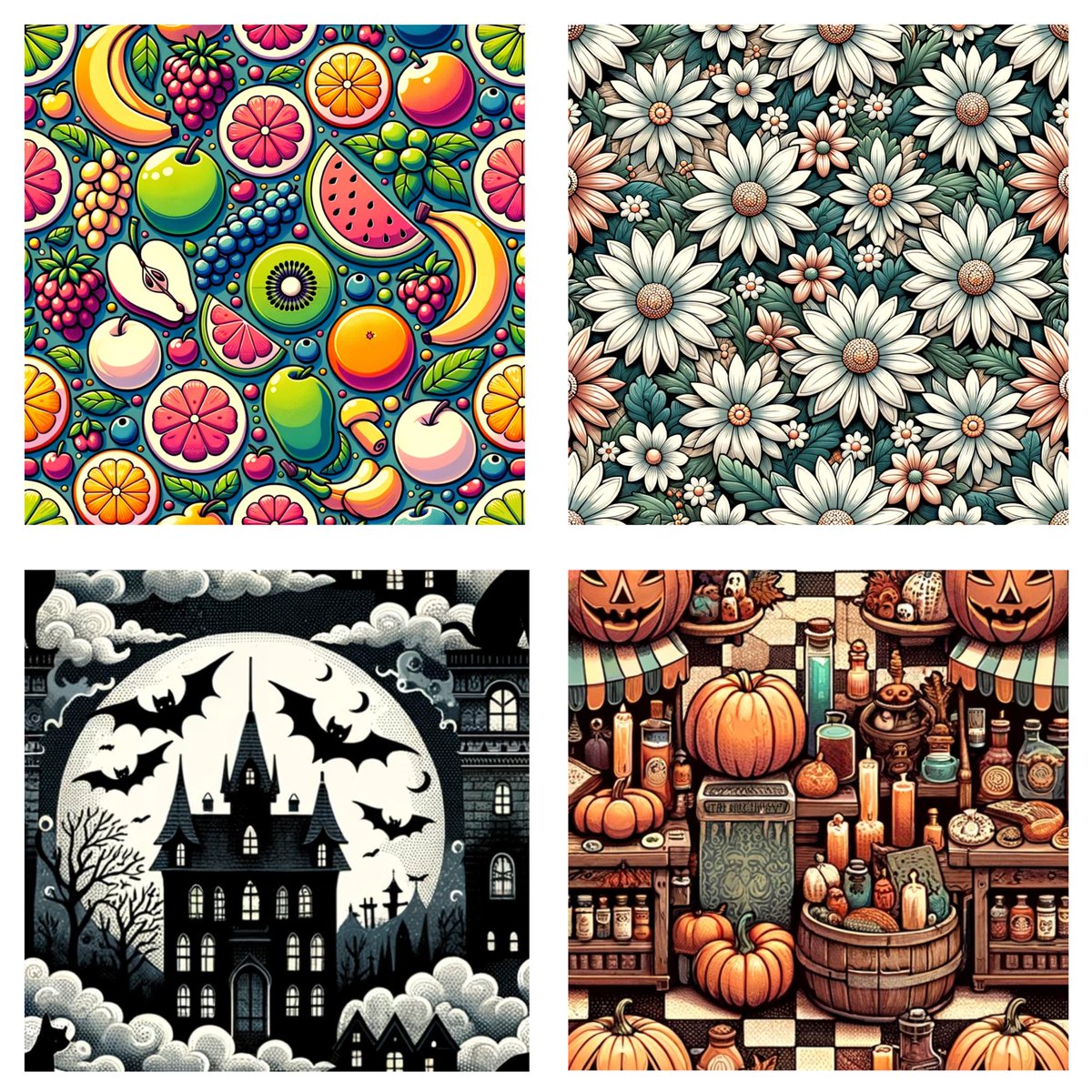
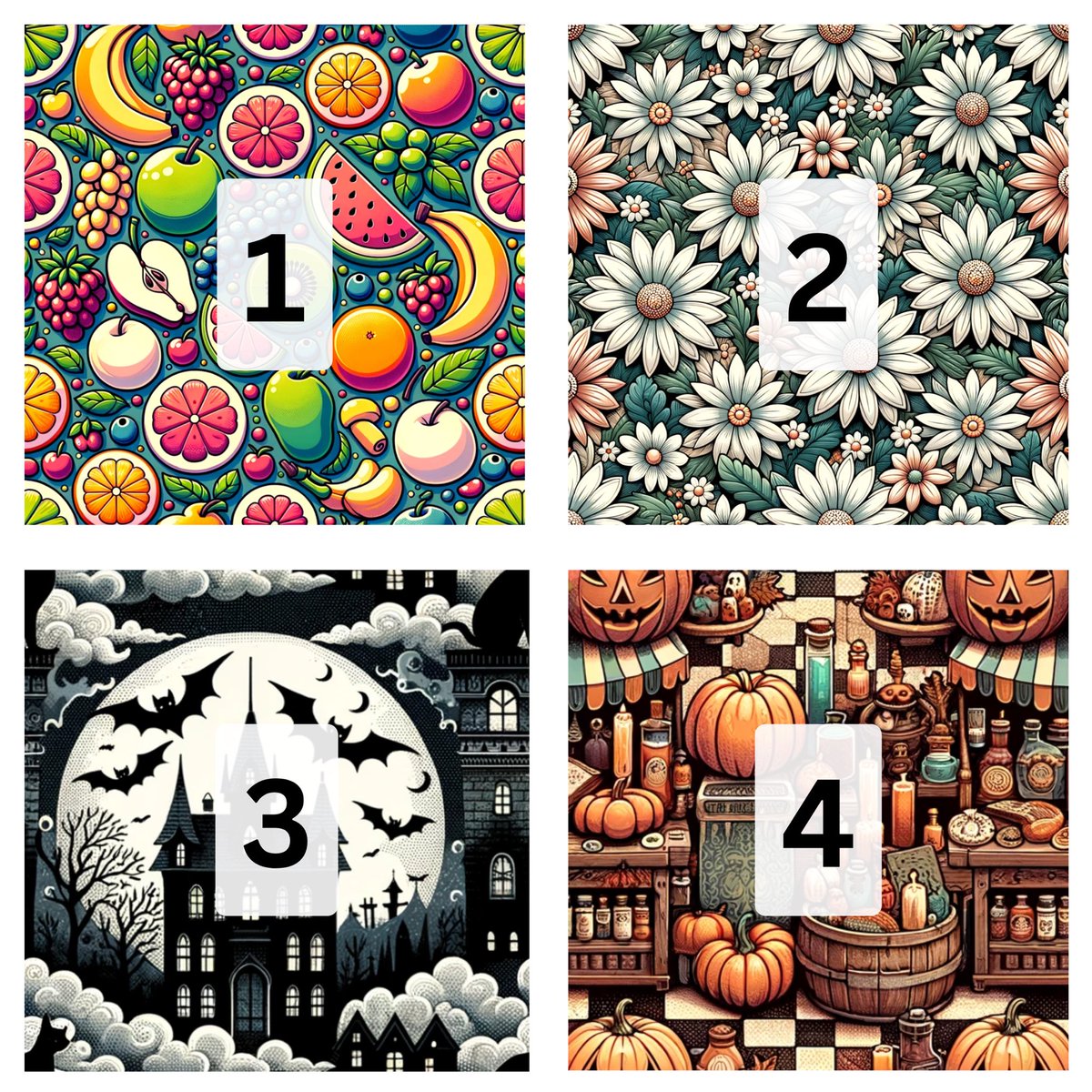
1. Square tileable cartoon pattern: fruits positioned in a symmetrical layout, with half-fruits on each edge to ensure they connect seamlessly with adjacent tiles.
2. Square tileable pattern: lush daisies scattered across the design. The flowers at the edges are cut so that their other halves appear on the opposite side, ensuring a natural flow of the floral pattern when tiled.
3. Square tileable pattern: A dark, moody Halloween night with vintage elements. Haunted houses with tall spires, bats flying against the moon, and cats with arched backs. The design ensures that elements on one edge continue seamlessly onto the opposite edge.
4. Square tileable pattern: Vintage Halloween market scene with stalls selling potions, carved pumpkins, and ancient spell books. Stalls and items at the borders are split to ensure seamless tiling in both vertical and horizontal directions.
1. Square tileable cartoon pattern: fruits positioned in a symmetrical layout, with half-fruits on each edge to ensure they connect seamlessly with adjacent tiles.
2. Square tileable pattern: lush daisies scattered across the design. The flowers at the edges are cut so that their other halves appear on the opposite side, ensuring a natural flow of the floral pattern when tiled.
3. Square tileable pattern: A dark, moody Halloween night with vintage elements. Haunted houses with tall spires, bats flying against the moon, and cats with arched backs. The design ensures that elements on one edge continue seamlessly onto the opposite edge.
4. Square tileable pattern: Vintage Halloween market scene with stalls selling potions, carved pumpkins, and ancient spell books. Stalls and items at the borders are split to ensure seamless tiling in both vertical and horizontal directions.
✍️ QUICK GUIDE
Usually DALL•E 3 would do a great job for the vertical bordes, but not so good with the horizontal ones.
To fix it, first go to Canva and rearrange your image to leave a blank space where they don’t match.
Something like this 👇
Usually DALL•E 3 would do a great job for the vertical bordes, but not so good with the horizontal ones.
To fix it, first go to Canva and rearrange your image to leave a blank space where they don’t match.
Something like this 👇

Then, go to Photoshop and with the Generative Fill tool, select the blank spaces and click “generate”.
Choose among the different options (or redo it) and you will be done ✅
Choose among the different options (or redo it) and you will be done ✅

Would love to see your results if you try it out!
Here is the one I quickly did throughout the tutorial 👇
Here is the one I quickly did throughout the tutorial 👇

If you enjoyed this post, it would be great if you could like and repost.
Also, you can support by Subscribing if you want :)
Lastly, join for free todaystechtalk.beehiiv.com, where I share AI tutorials, news, and tools.
Also, you can support by Subscribing if you want :)
Lastly, join for free todaystechtalk.beehiiv.com, where I share AI tutorials, news, and tools.

Loading suggestions...