

1. Videos and Screen Recordings are boring.
2. Turn them into attention-grabbing and
3. bring them to life with AI.
4. with Focusee
5. Here's how you can do it:
2. Turn them into attention-grabbing and
3. bring them to life with AI.
4. with Focusee
5. Here's how you can do it:

2. Automated Screen Recording Editing
Simply record your screen, selfie, and voiceover as you usually do.
FocuSee automatically follows cursor movement, applies dynamic zoom effects,
places a nice background, and generates a professional-looking video ready for use.
Simply record your screen, selfie, and voiceover as you usually do.
FocuSee automatically follows cursor movement, applies dynamic zoom effects,
places a nice background, and generates a professional-looking video ready for use.

3. Demo & Tutorials:
Craft engaging demos and tutorials that can focus on details but still offer an overview of your product.
You can also set in-video quizzes, forms, and call-to-action buttons to collect feedback, emails, and prompt action instantly right in the video.
Craft engaging demos and tutorials that can focus on details but still offer an overview of your product.
You can also set in-video quizzes, forms, and call-to-action buttons to collect feedback, emails, and prompt action instantly right in the video.

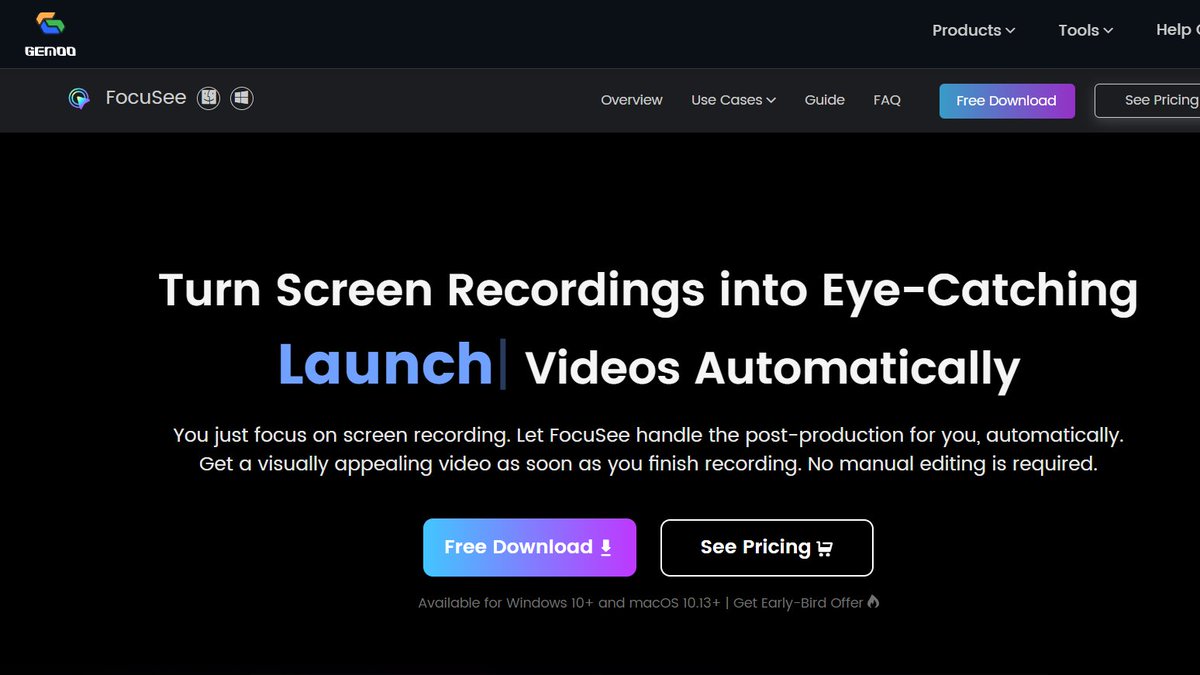
4. Promo & Launch Videos
⟶ Record captivating videos for product releases and updates.
⟶ Resize it for various social media platforms in a click.
⟶ Export it in high-definition as either a video or GIF, perfect for enhancing your landing page.
⟶ Record captivating videos for product releases and updates.
⟶ Resize it for various social media platforms in a click.
⟶ Export it in high-definition as either a video or GIF, perfect for enhancing your landing page.

5. Pitch & Sales Videos
Elevate your outreach success rate with compelling videos, featuring side-by-side displays of your selfie and screen,
complemented by your voiceover narration.
Add a personal touch to build better connections and trust with your recipients.
Elevate your outreach success rate with compelling videos, featuring side-by-side displays of your selfie and screen,
complemented by your voiceover narration.
Add a personal touch to build better connections and trust with your recipients.

6. Spotlight
Draw your audience's attention precisely where you want it.
Draw your audience's attention precisely where you want it.

7. Various Cursor Styles and Click Effects
Choose from 8 Mouse cursor styles and 3 Button click effects to match your video's style.
Choose from 8 Mouse cursor styles and 3 Button click effects to match your video's style.

If you love what you see:
1. Like and Repost the below post.
2. Follow @HeySumith for more AI content.
x.com
1. Like and Repost the below post.
2. Follow @HeySumith for more AI content.
x.com
Are you a CEO or agency owner
I will ghostwrite viral content + turn your account into a lead-generation machine and build your personal brand
How?
DM let's chat
I will ghostwrite viral content + turn your account into a lead-generation machine and build your personal brand
How?
DM let's chat
Loading suggestions...