

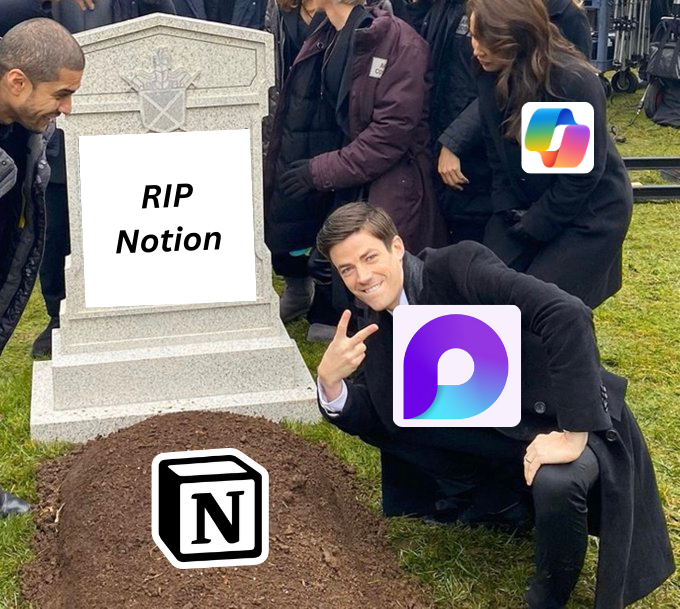
RIP Notion AI.
Microsoft has launched its competitor.
Introducing Loop - Ultimate Collaborative App!
Here's everything you need to know about:
Microsoft has launched its competitor.
Introducing Loop - Ultimate Collaborative App!
Here's everything you need to know about:
Experience the power of Microsoft Loop:
- Customize workspaces
- Integrate with Microsoft apps
- Utilize Copilot assistant for AI-powered drafting and summarizing
Here's everything you need to know:
- Customize workspaces
- Integrate with Microsoft apps
- Utilize Copilot assistant for AI-powered drafting and summarizing
Here's everything you need to know:
1. During a meeting, Copilot proactively generates notes that capture essential details and provide task recommendations.

2. In Loop, Copilot actively supports your entire team to collaboratively create and organize tasks, stay informed and focused, and review and edit workspace content.

3. How Copilot helps you generate tables for structured plans:
1. Enter prompts like "Create a table for our project schedule."
2. Insert the generated table into your Loop workspace.
3. Transform the table into a Loop component for easy sharing across apps.
1. Enter prompts like "Create a table for our project schedule."
2. Insert the generated table into your Loop workspace.
3. Transform the table into a Loop component for easy sharing across apps.

4. Loop enhances content comprehension by intelligently summarizing the information on a Loop page.

5. Loop makes it effortless to hand off work to teammates by creating a recap that summarizes the changes you made on a page.
This feature brings significant benefits to teams operating in different time zones, enabling seamless project progress.
This feature brings significant benefits to teams operating in different time zones, enabling seamless project progress.

6. Soon, effortlessly track team progress and stay updated with exciting developments in one place.
Summary highlights latest team activities: upcoming deadlines, completed tasks, progress label updates, and recaps.
Summary highlights latest team activities: upcoming deadlines, completed tasks, progress label updates, and recaps.

7. With Loop's new Whiteboard feature, you can easily sketch flowcharts, brainstorm ideas, or illustrate problems collaboratively and share them across Teams (channels and chat), Outlook, Word for the web, and OneNote for the web.

8. You can now seamlessly integrate your GitHub and Azure DevOps (ADO) data directly onto your Loop page.

9. You can enhance your Loop page by including a table of contents at the beginning. This will allow your team to conveniently navigate to the most pertinent information by clicking on the provided links.

10. The Loop mobile app is now accessible, providing added flexibility and convenience.

I hope you've found this thread helpful.
Follow me @How2uAI if you want to learn how to leverage AI in your daily life and make it more convenient.
Like/Repost the quote below if you can:
Follow me @How2uAI if you want to learn how to leverage AI in your daily life and make it more convenient.
Like/Repost the quote below if you can:
Loading suggestions...