

ChatGPT is super powerful.
But, GPT-4 doesn't support file uploads.
Here's how you can now turn your PDFs into chatbots in seconds.
But, GPT-4 doesn't support file uploads.
Here's how you can now turn your PDFs into chatbots in seconds.
Chat with any document, summarize and get answers from your files with LightPDF.
- Go to lightpdf.com
- Upload any document with @LightPdf (PDF, Word, Excel, PPT, EPUB, TXT, webpage (url), scanned files supported)
- After submitting, you'll get 3 related questions
- Go to lightpdf.com
- Upload any document with @LightPdf (PDF, Word, Excel, PPT, EPUB, TXT, webpage (url), scanned files supported)
- After submitting, you'll get 3 related questions

@LightPdf Let's see it’s use cases:
1. Chat with Multiple Files
With this feature, you can upload more than one document at a time and interact with them.
LightPDF can serve as your AI assistant in document analysis, research, and more.
1. Chat with Multiple Files
With this feature, you can upload more than one document at a time and interact with them.
LightPDF can serve as your AI assistant in document analysis, research, and more.

@LightPdf 2. Share Conversation on Live PDF
It's time to level up your document collaboration!
- Click the share button to get the link of shared Document
It's time to level up your document collaboration!
- Click the share button to get the link of shared Document

@LightPdf 3. Create Notes & Summaries:
- Generate tables from document data. Crawl, analyze, and summarize content
- Provide conclusions, answers, and outlines
Save time on repetitive tasks, access more information, and focus on creative work.
- Generate tables from document data. Crawl, analyze, and summarize content
- Provide conclusions, answers, and outlines
Save time on repetitive tasks, access more information, and focus on creative work.
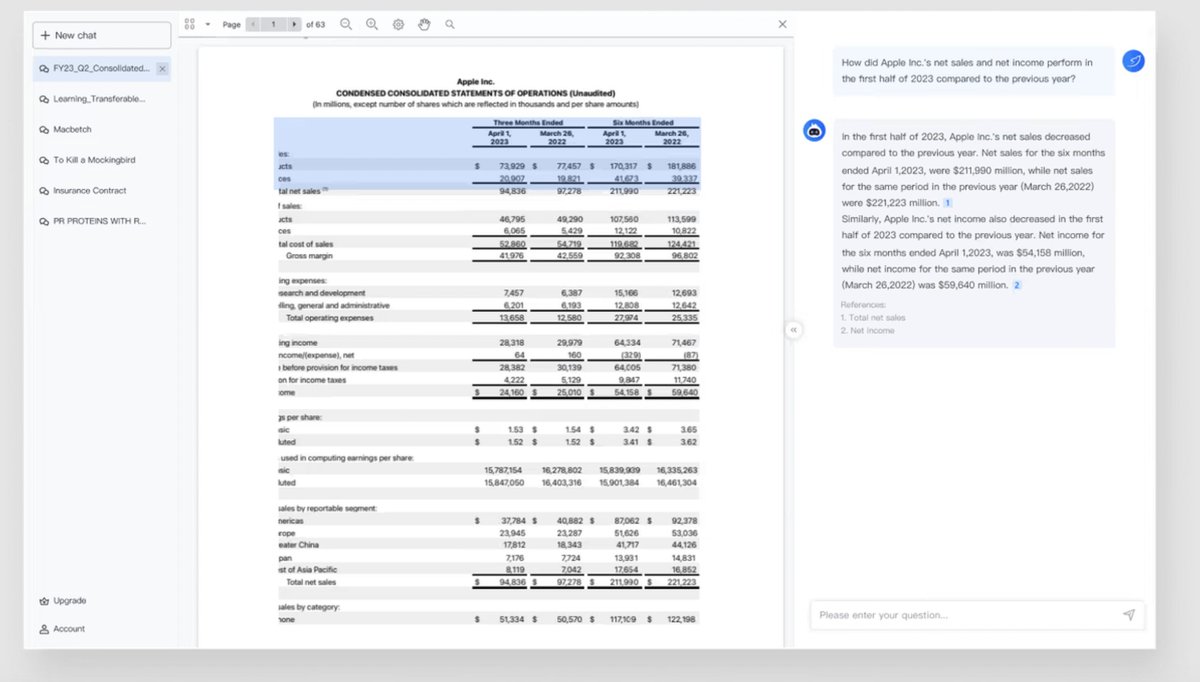
@LightPdf 4. History
You can easily access history of your previous documents in LightPDF:
You can easily access history of your previous documents in LightPDF:

@LightPdf 5. GPT-4 Access
- Get GPT-3.5 and GPT-4 access to answer questions
- It also supports web access to answer questions
- Get GPT-3.5 and GPT-4 access to answer questions
- It also supports web access to answer questions

@LightPdf Avalability:
- Web Access
lightpdf.com
- LightPDF is also available as Chrome Extension
tinyurl.com
- Google Add-On
tinyurl.com
- Web Access
lightpdf.com
- LightPDF is also available as Chrome Extension
tinyurl.com
- Google Add-On
tinyurl.com

lightpdf.com/chatdoc
The ultimate GPT-powered PDF AI assistant to chat with PDF
Ask your PDF with this ChatPDF app. Ask question, make summary, extract key insight for researches,...
tinyurl.com/2vvnu8tm
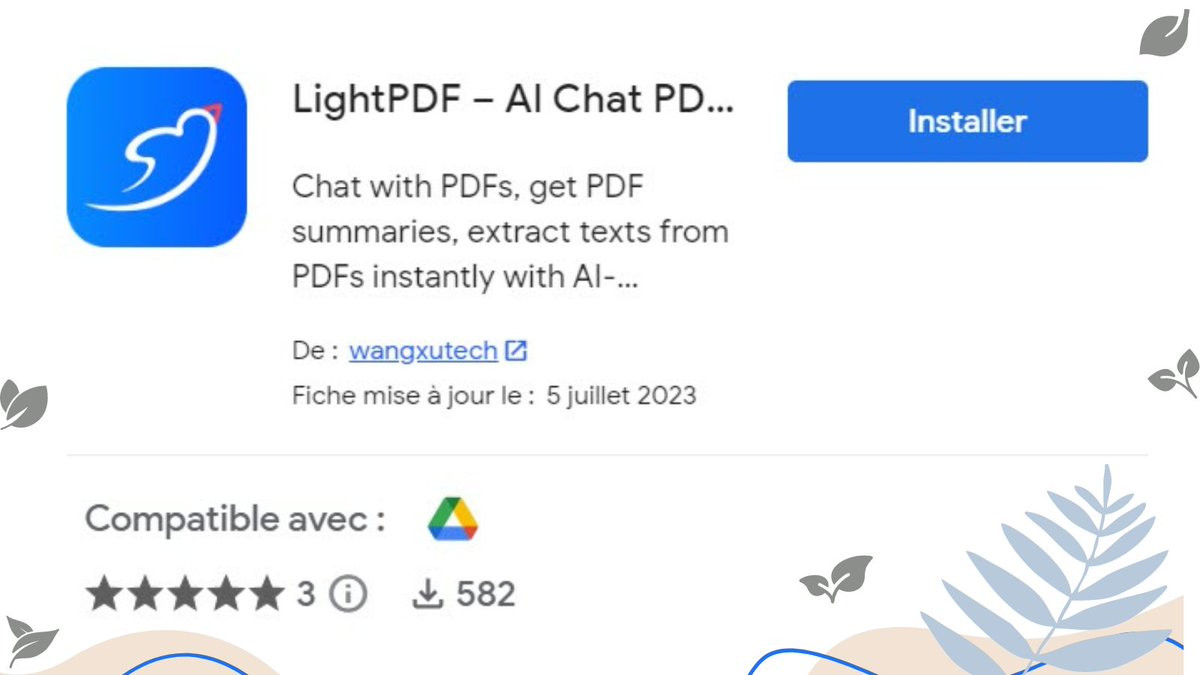
LightPDF – AI Chat PDF, Edit, OCR, & Convert PDF - Google Workspace Marketplace
Chat with PDFs, get PDF summaries, extract texts from PDFs instantly with AI-powered PDF program. It...

tinyurl.com/28vbbvr4
LightPDF: AI Chat & Summary for PDF/Web
The best free ChatPDF AI extension. Chat with documents & website, quickly get summaries and data ex...
@LightPdf That's a wrap!
Hope you enjoyed it.
If you find this post helpful, please :
1. Follow me @CodeByPoonam for more.
2. Like/Repost the first tweet below for support.
Hope you enjoyed it.
If you find this post helpful, please :
1. Follow me @CodeByPoonam for more.
2. Like/Repost the first tweet below for support.
Loading suggestions...