

Huge update for Google Bard
You can now generate free AI images
And Gemini Pro is now available worldwide
Here's how to create images and few examples:
You can now generate free AI images
And Gemini Pro is now available worldwide
Here's how to create images and few examples:
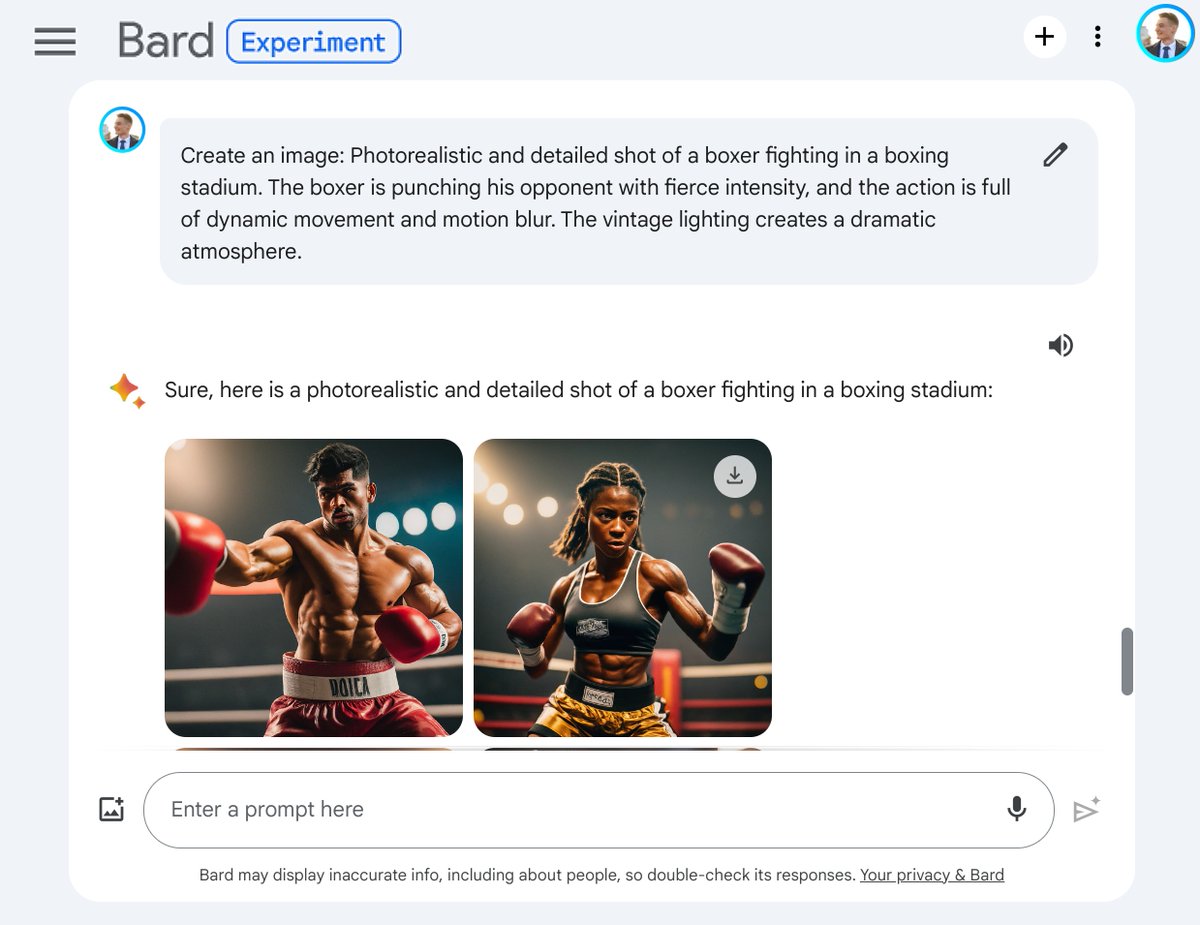
How it works?
Start your prompt with "Create an image of...".
Bard will then create your image.
You can then generate additional images by clicking on "Generate more".
Important:
Image generation in Bard is available in most countries, except in the European Economic Area (EEA), Switzerland, and the UK. It’s only available for English prompts.
Start your prompt with "Create an image of...".
Bard will then create your image.
You can then generate additional images by clicking on "Generate more".
Important:
Image generation in Bard is available in most countries, except in the European Economic Area (EEA), Switzerland, and the UK. It’s only available for English prompts.

Download your image
Click on an image to enlarge it.
Just click on the icon at top right to download!
Note: image size is 1536x1536.
Click on an image to enlarge it.
Just click on the icon at top right to download!
Note: image size is 1536x1536.

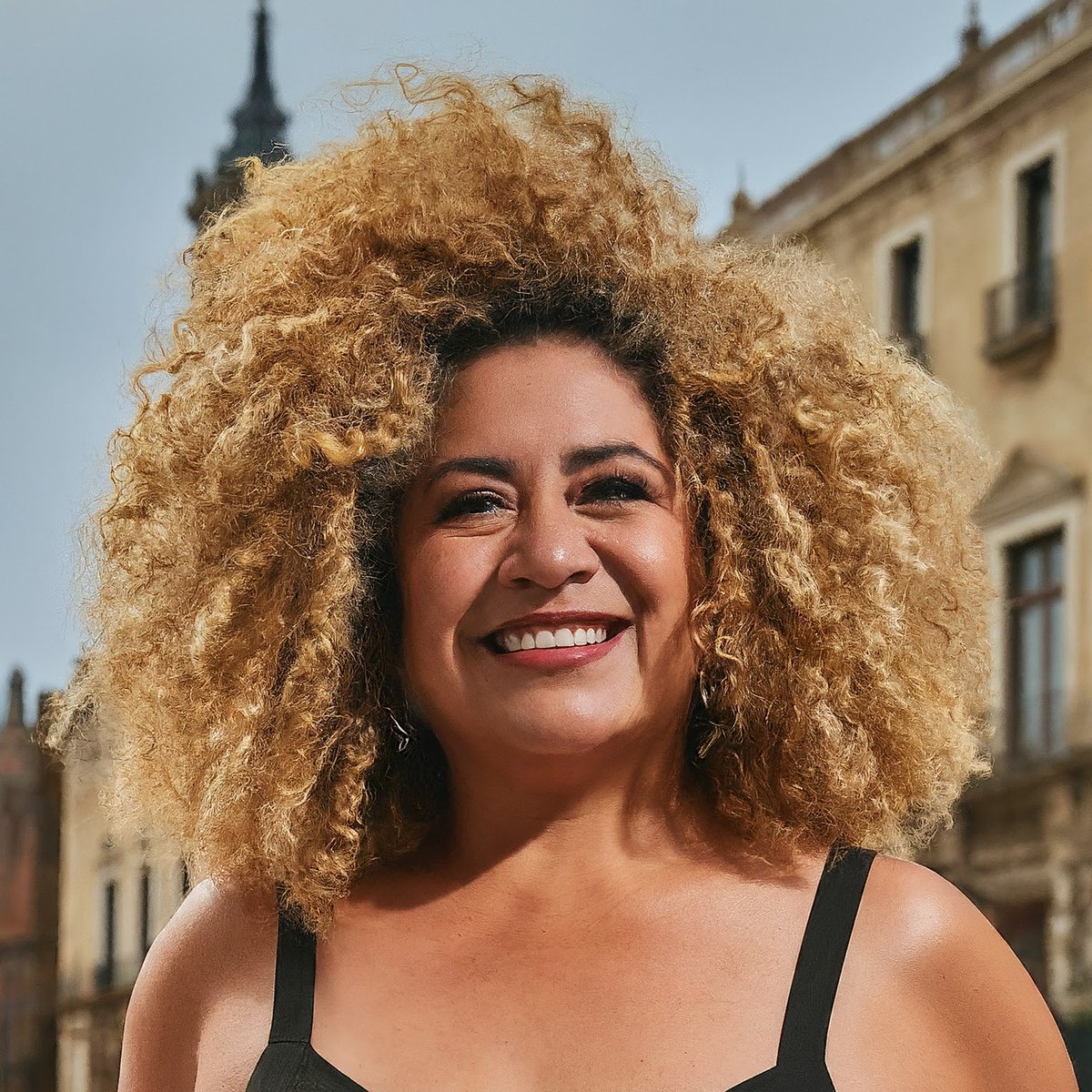
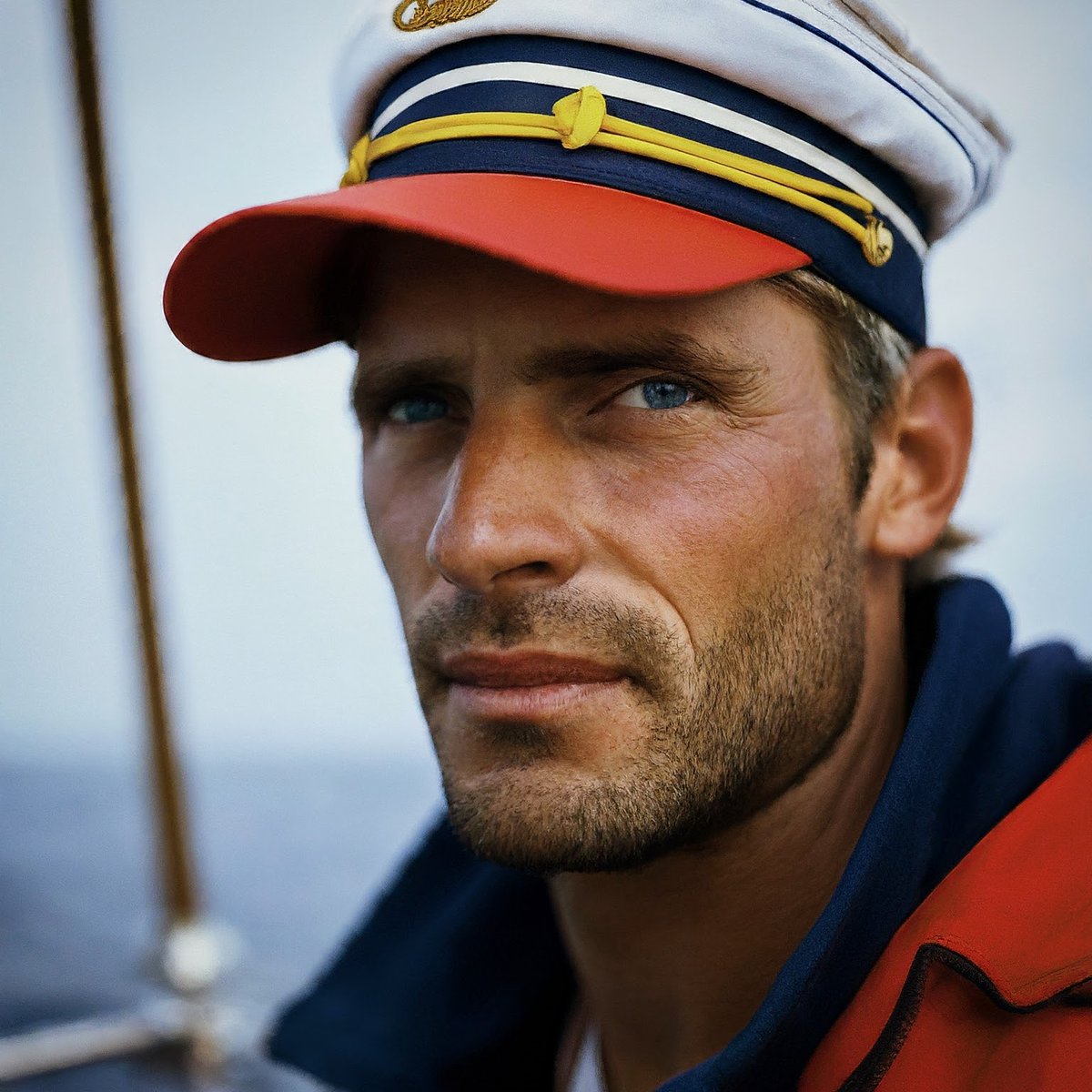
Example 1: Humans
Prompt:
"Portrait of a 54-year-old woman in a city with tall buildings, with long curly blond hair and a warm smile."
"A really photorealistic macro photo color portrait of a sailor on his boat."
Prompt:
"Portrait of a 54-year-old woman in a city with tall buildings, with long curly blond hair and a warm smile."
"A really photorealistic macro photo color portrait of a sailor on his boat."
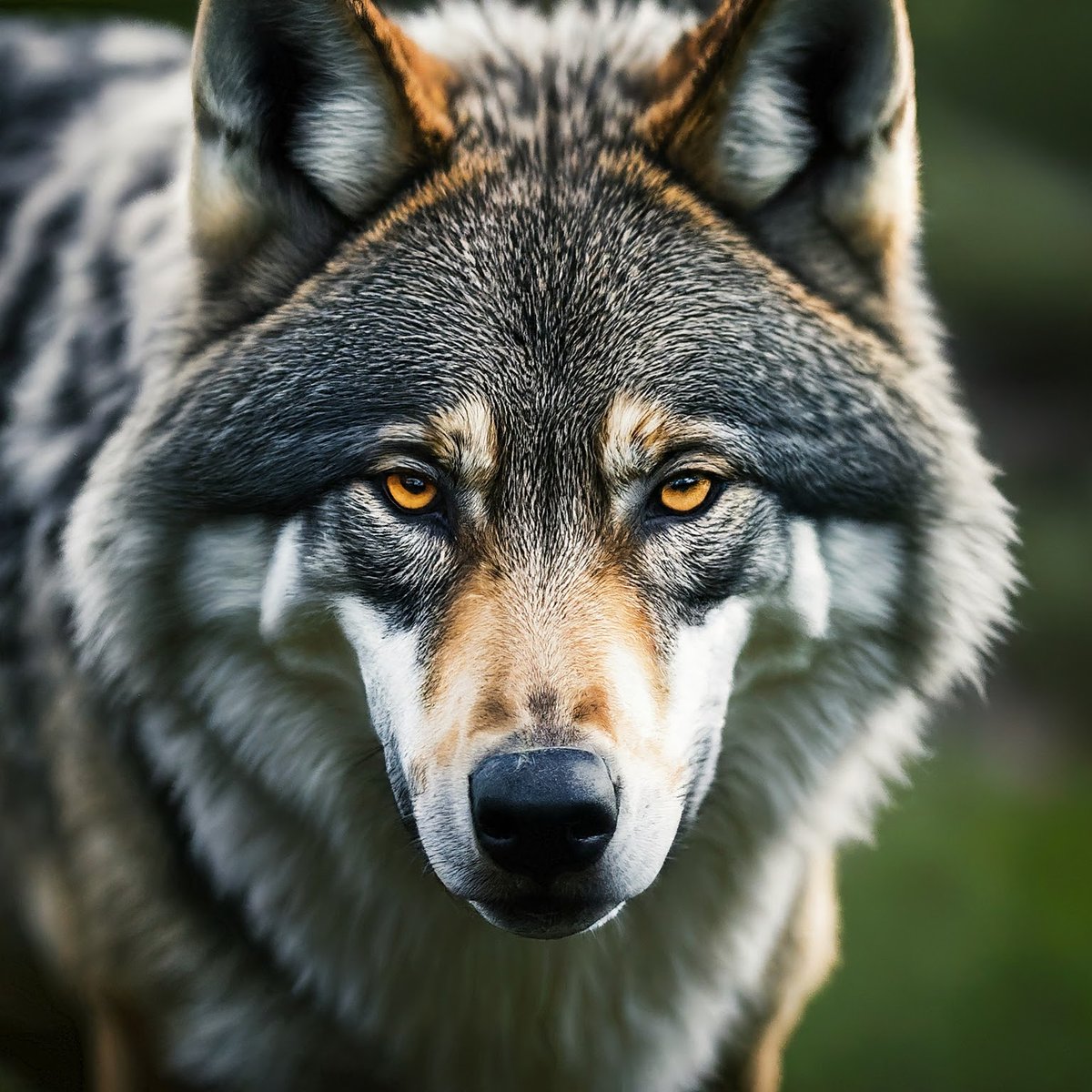
Example 2: Animals
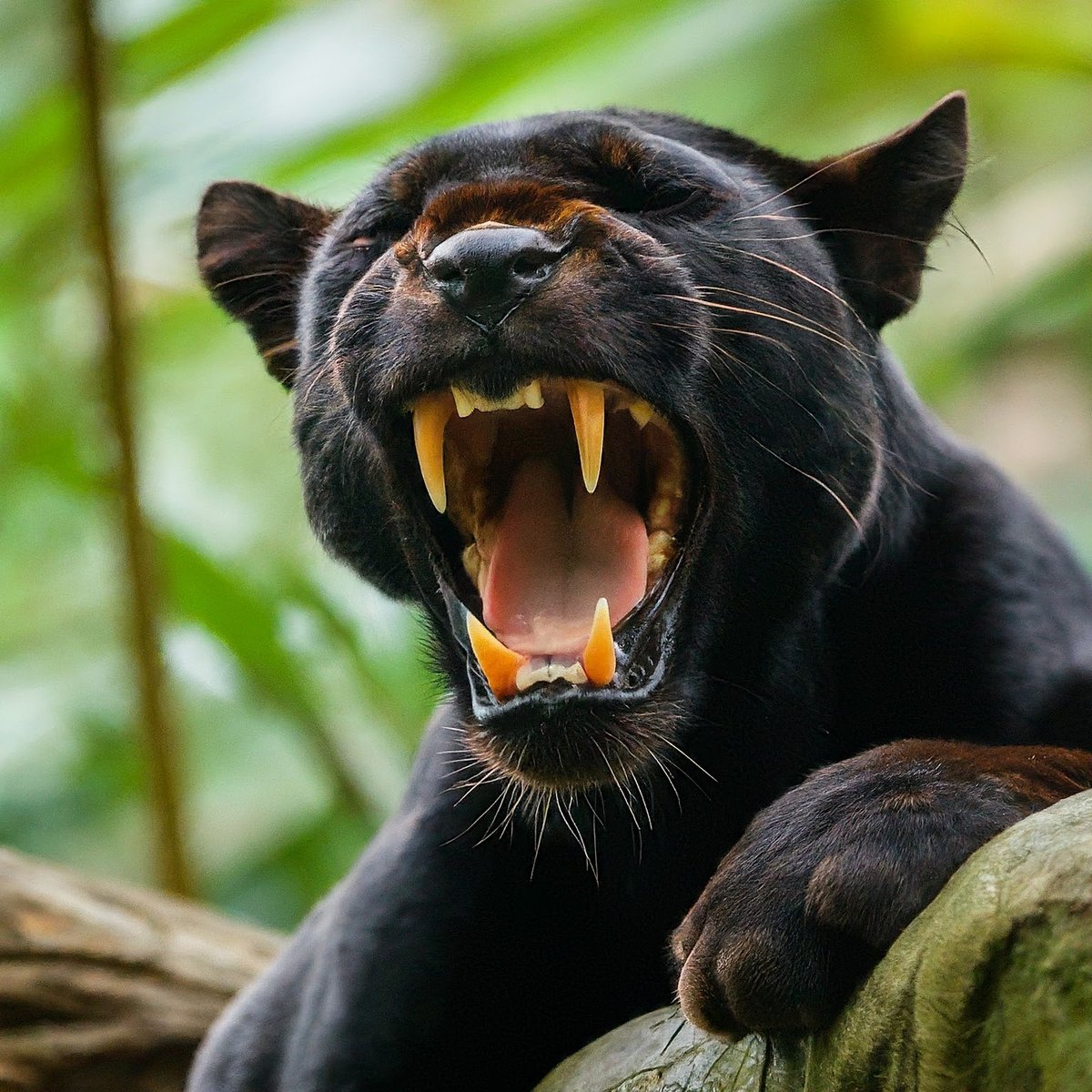
Prompts:
"A black panther on a branch in the jungle, roaring at the camera, close-up."
"Grey wolf with highly detailed eyes, photorealistic, macro shot and perfect symmetry."
Prompts:
"A black panther on a branch in the jungle, roaring at the camera, close-up."
"Grey wolf with highly detailed eyes, photorealistic, macro shot and perfect symmetry."
Example 3: Action scenes
Prompts:
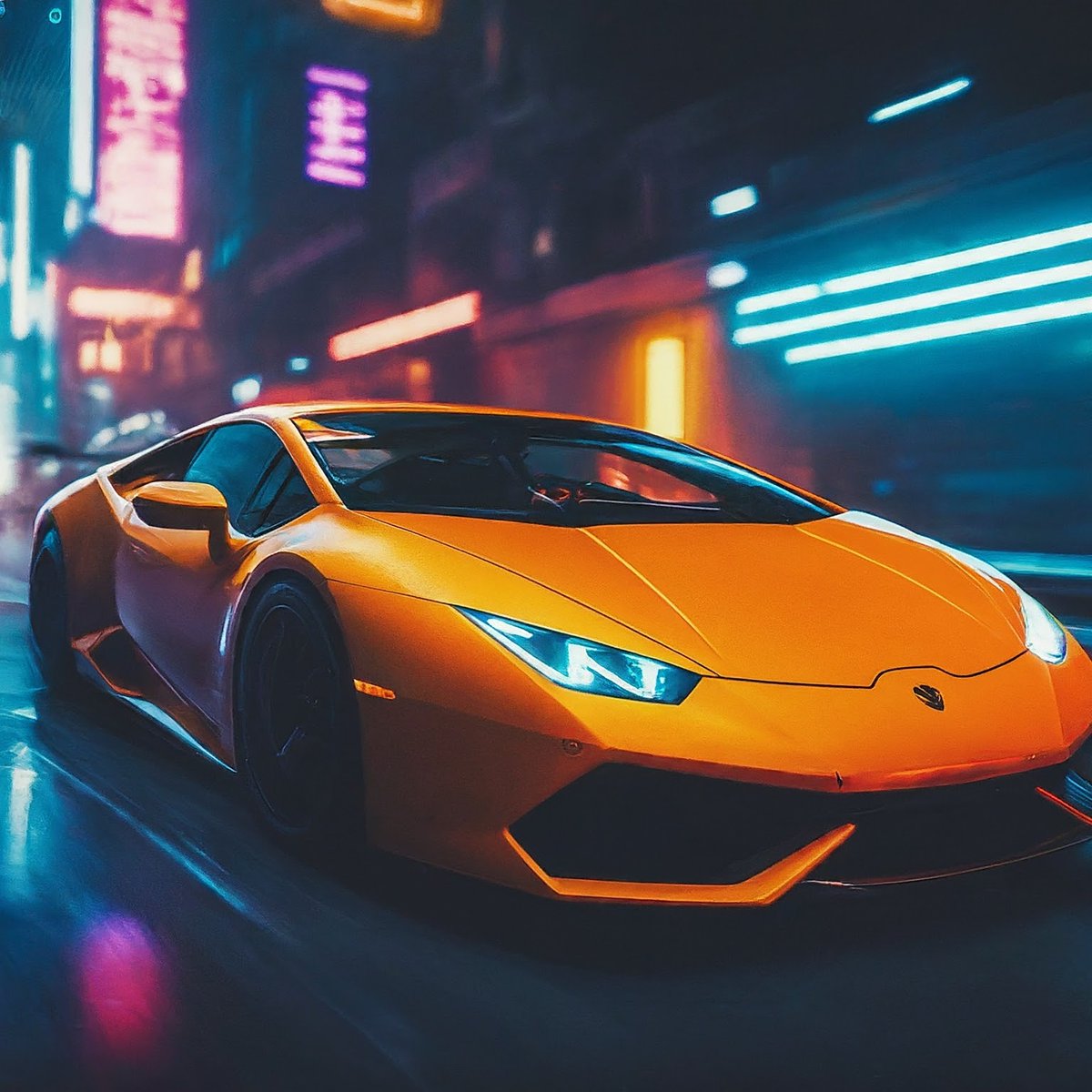
"A highly-photorealistic and hyper-detailed dutch angle shot of a high speed sport car chase through a cyberpunk city at night. The car is speeding through the streets, narrowly avoiding accidents and explosions. The neon lights of the city create a beautiful bokeh effect."
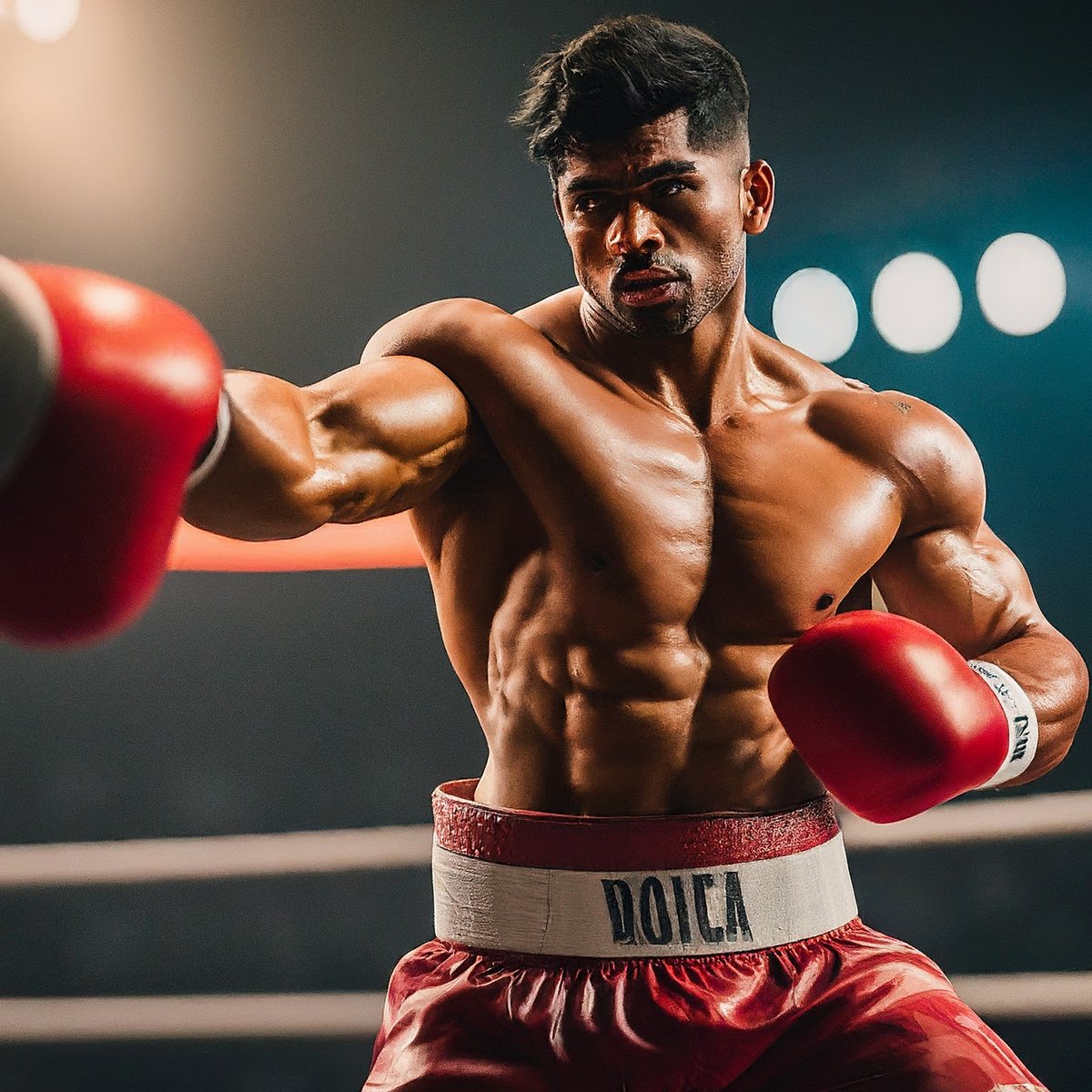
"Photorealistic and detailed shot of a boxer fighting in a boxing stadium. The boxer is punching his opponent with fierce intensity, and the action is full of dynamic movement and motion blur. The vintage lighting creates a dramatic atmosphere."
Prompts:
"A highly-photorealistic and hyper-detailed dutch angle shot of a high speed sport car chase through a cyberpunk city at night. The car is speeding through the streets, narrowly avoiding accidents and explosions. The neon lights of the city create a beautiful bokeh effect."
"Photorealistic and detailed shot of a boxer fighting in a boxing stadium. The boxer is punching his opponent with fierce intensity, and the action is full of dynamic movement and motion blur. The vintage lighting creates a dramatic atmosphere."
And Bard with Gemini Pro is coming worldwide to all languages where Bard is available!
As a reminder, Bard with Gemini Pro recently overtook GPT-4 in Chatbot Arena.
As a reminder, Bard with Gemini Pro recently overtook GPT-4 in Chatbot Arena.
Bard has become a must-have, you can for free:
- Use an AI model with performance comparable to GPT-4
- Use images for your prompts (vision)
- Generate REALLY good images
Feel free to share the information by liking the 1st post:
- Use an AI model with performance comparable to GPT-4
- Use images for your prompts (vision)
- Generate REALLY good images
Feel free to share the information by liking the 1st post:
Loading suggestions...