

Don't use ChatGPT for academic purposes (without customizing it).
Try Lumina — an AI-powered search engine designed for academics.
It answers your questions with references to published articles. It also gives you research articles for free!
Here's how to use it:
Try Lumina — an AI-powered search engine designed for academics.
It answers your questions with references to published articles. It also gives you research articles for free!
Here's how to use it:
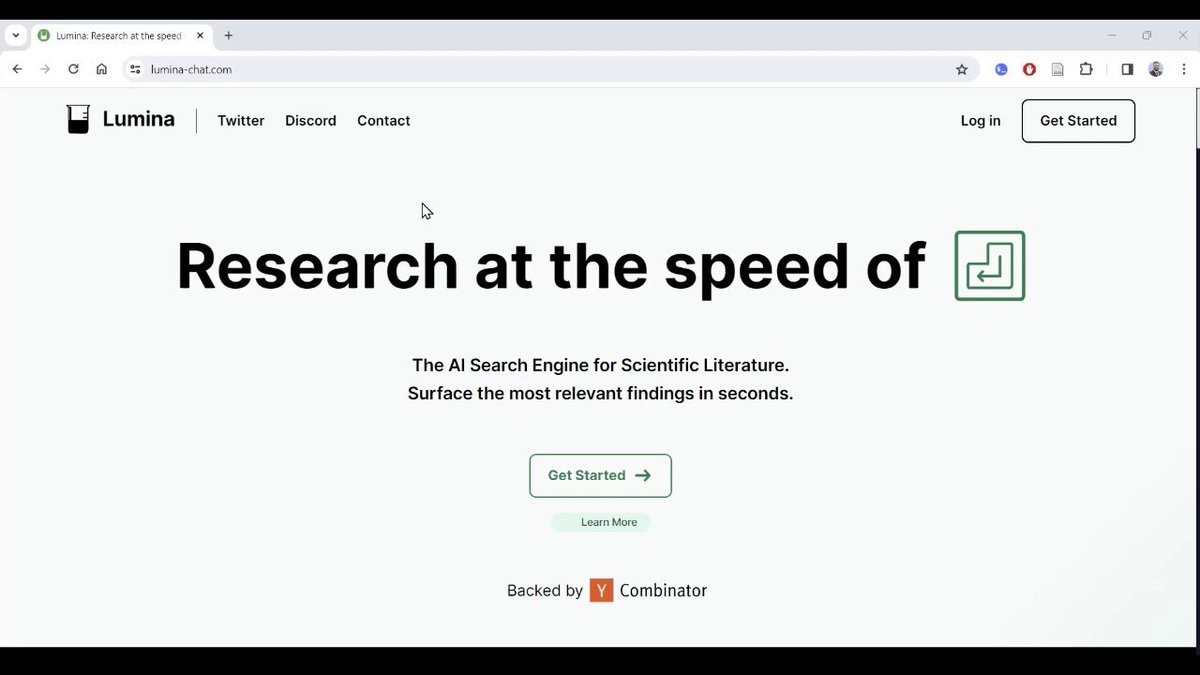
1. Go to lumina-chat(dot)com and click on "Get Started" to create a free account.
2. Once you've logged in, you will see a chat bar at the bottom of your screen.
Type in your question and Lumina will answer it with reference to published articles.
It will also give you clickable links to the articles it cites.
Type in your question and Lumina will answer it with reference to published articles.
It will also give you clickable links to the articles it cites.

3. To read an article, hover your cursor over it and click on "Read."
Lumina will open the article for you.
Since Lumina uses open-access articles and "open-access versions" of paywalled articles, you can read all articles it cites.
Lumina will open the article for you.
Since Lumina uses open-access articles and "open-access versions" of paywalled articles, you can read all articles it cites.

4. Lumina also lets you save PDFs.
To do so, click on the folder icon in the left task bar and select "New Folder." Choose a name for your folder.
Click on the three dots in the top-right corner of the article you want to save and then select the relevant folder.
To do so, click on the folder icon in the left task bar and select "New Folder." Choose a name for your folder.
Click on the three dots in the top-right corner of the article you want to save and then select the relevant folder.

Crafting novel research questions takes a lot of time and effort.
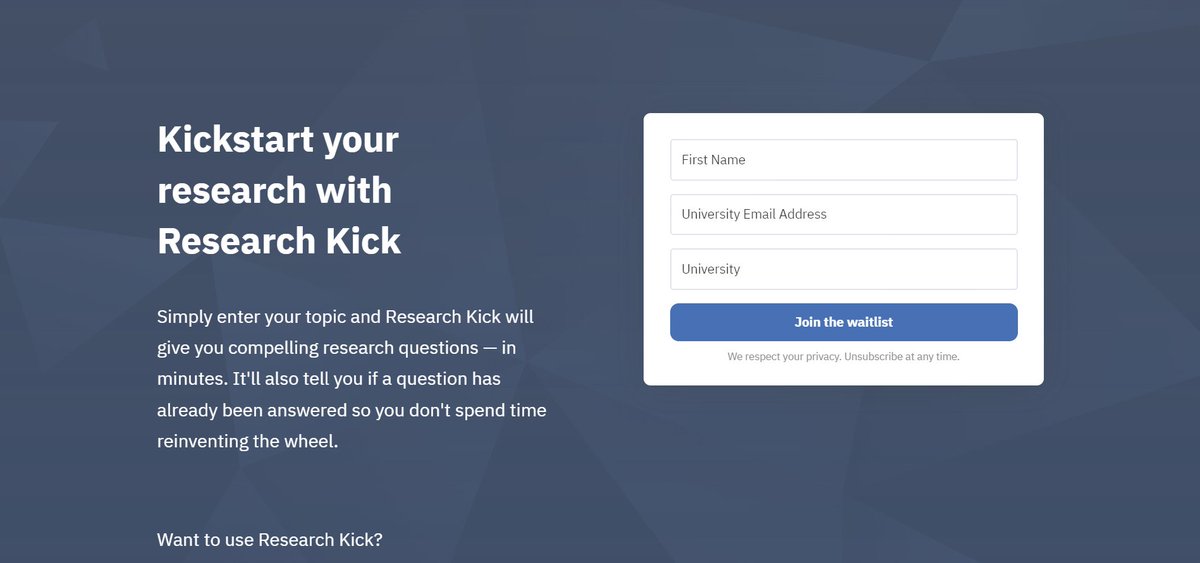
We're building Research Kick — an AI app that helps you craft compelling research questions in minutes.
Want to use Research Kick?
Click the link below to sign up for the waitlist.
mushtaq-bilal-phd.ck.page
We're building Research Kick — an AI app that helps you craft compelling research questions in minutes.
Want to use Research Kick?
Click the link below to sign up for the waitlist.
mushtaq-bilal-phd.ck.page
Found this thread helpful?
1. Scroll to the top and hit Like on the first tweet.
2. Bookmark it so you can come back to it later.
3. Follow me for regular threads on how to use AI apps for academic purposes.
1. Scroll to the top and hit Like on the first tweet.
2. Bookmark it so you can come back to it later.
3. Follow me for regular threads on how to use AI apps for academic purposes.
Loading suggestions...