

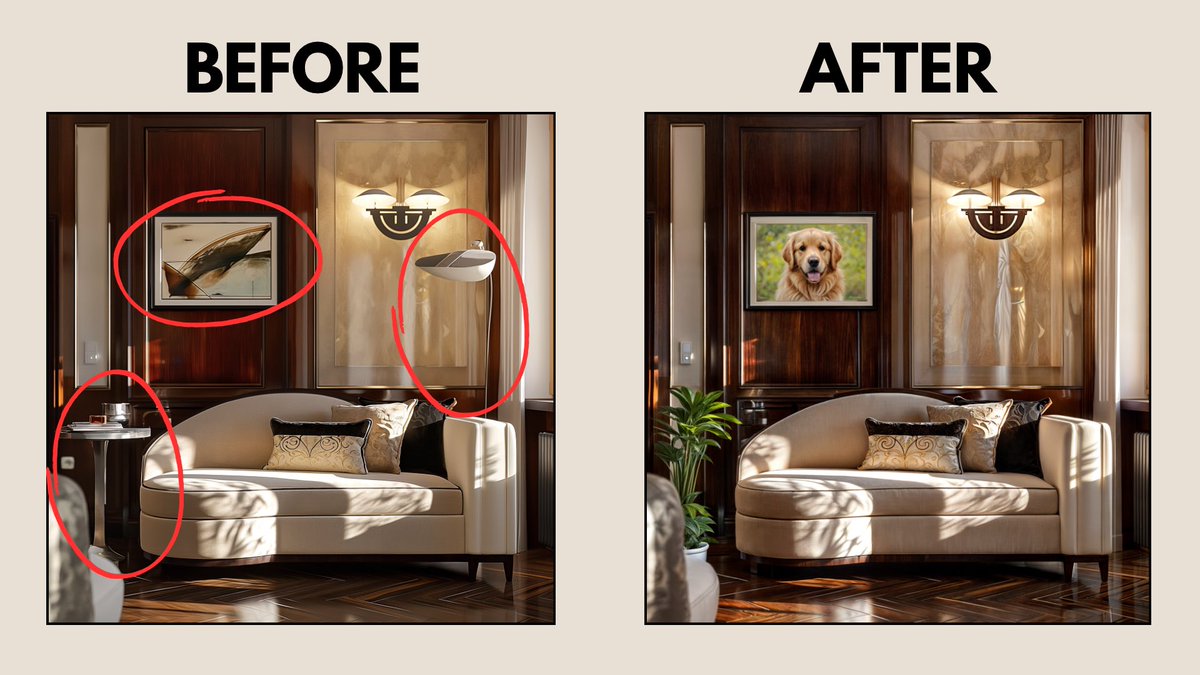
You can edit specific parts of your images in seconds using AI.
Add, remove, and edit objects, all free!
Here is how:
Add, remove, and edit objects, all free!
Here is how:
STEP 1.
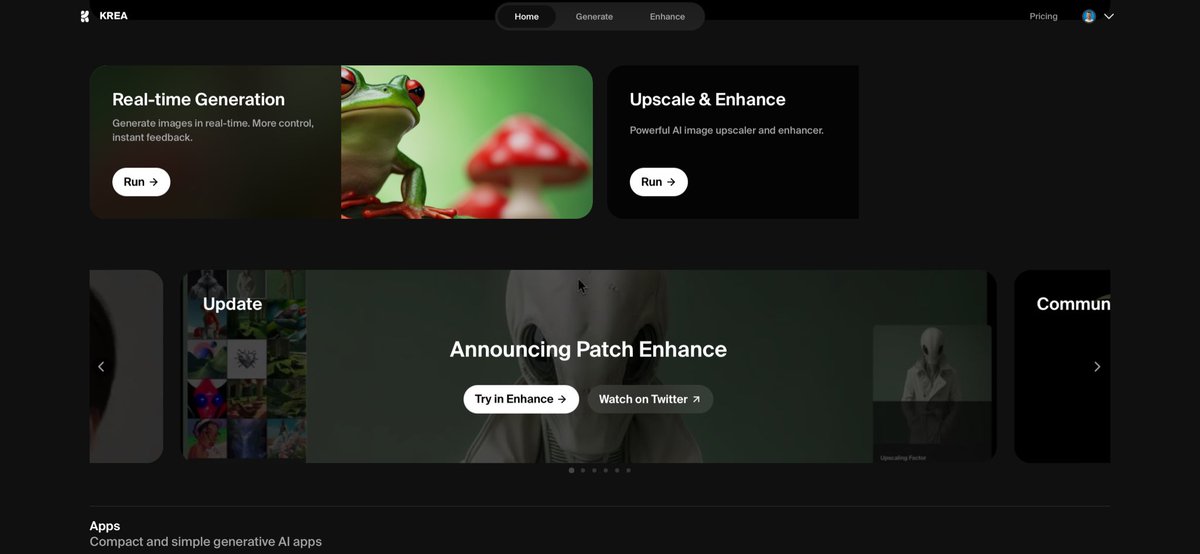
Visit the Patch Enhance Tool by Krea AI.
This is the link: krea.ai
You can try it completely free.
Visit the Patch Enhance Tool by Krea AI.
This is the link: krea.ai
You can try it completely free.
STEP 2.
Upload any picture that you want to modify and click on “Enhance”.
Upload any picture that you want to modify and click on “Enhance”.

STEP 3.
Right-click an already enhanced image and select “Patch Enhance Tool”
Draw the specific region of your image that you want to modify.
Right-click an already enhanced image and select “Patch Enhance Tool”
Draw the specific region of your image that you want to modify.

STEP 4.
Enter a prompt describing what you want to do with that region (optional) and click “Patch Enhance”
Pro tip: Toggle the “Settings” slider and turn up “Inpainting Strength” if you want to completely change the selected region.
Enter a prompt describing what you want to do with that region (optional) and click “Patch Enhance”
Pro tip: Toggle the “Settings” slider and turn up “Inpainting Strength” if you want to completely change the selected region.

Happy to see many bookmarks already 👀
Follow me @dr_cintas for more tutorials.
And if you like this type of posts, you can show your support by liking/reposting the post below!
Follow me @dr_cintas for more tutorials.
And if you like this type of posts, you can show your support by liking/reposting the post below!
Loading suggestions...