

RIP Photoshop?
Canva just got a 𝗠𝗔𝗦𝗦𝗜𝗩𝗘 upgrade.
Here are 12 mind-blowing features you can't miss:
Canva just got a 𝗠𝗔𝗦𝗦𝗜𝗩𝗘 upgrade.
Here are 12 mind-blowing features you can't miss:
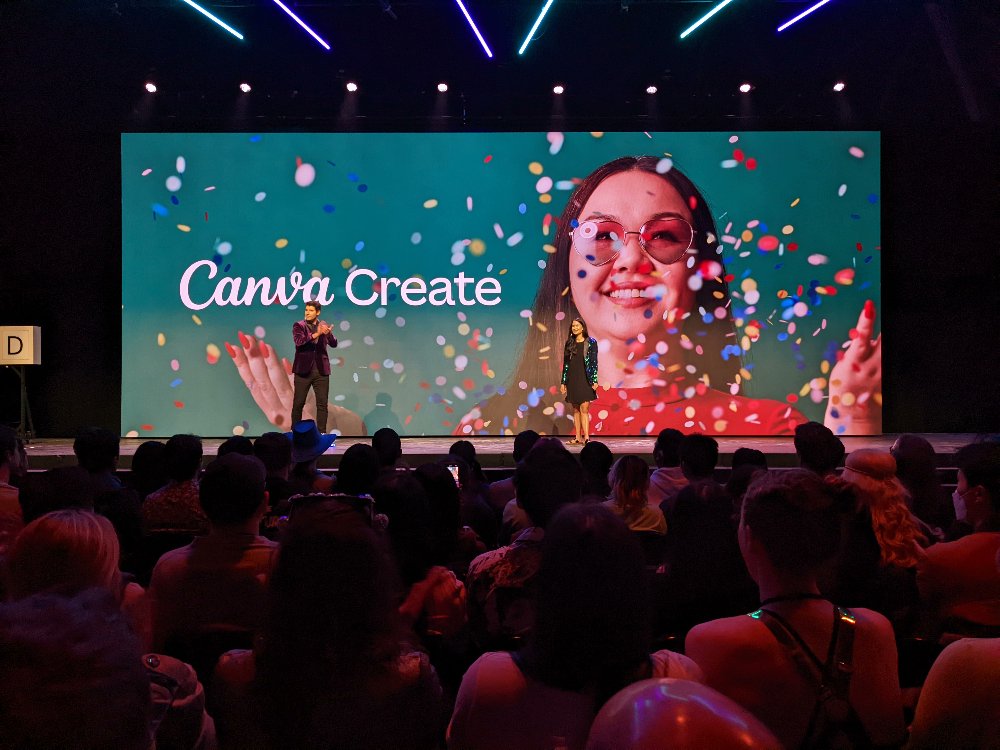
1. Streamlined Design
Jump straight into creating from Canva's homepage with easy shortcuts and your favorite templates.
The redesigned interface offers more space and essential tools right where you need them, including a one-click background remover.
Jump straight into creating from Canva's homepage with easy shortcuts and your favorite templates.
The redesigned interface offers more space and essential tools right where you need them, including a one-click background remover.

2. Customizable Workspace
Customize your workspace in Canva by starring essential designs, folders, or templates.
Share and access crucial resources easily with the new "Starred for Team" sidebar, enhancing organization and accessibility for your team.
Customize your workspace in Canva by starring essential designs, folders, or templates.
Share and access crucial resources easily with the new "Starred for Team" sidebar, enhancing organization and accessibility for your team.

3. Enhance Collaboration
Improve focus and efficiency with streamlined commenting. Sort and filter comments, and stay updated with sidebar notifications.
Canva fosters a collaborative environment that keeps everyone in sync.
Improve focus and efficiency with streamlined commenting. Sort and filter comments, and stay updated with sidebar notifications.
Canva fosters a collaborative environment that keeps everyone in sync.

4. Canva Enterprise
Canva Enterprise meets the needs of large organizations with tools for content creation and productivity.
It offers a centralized admin console, advanced security options, and dedicated support to streamline operations.
Canva Enterprise meets the needs of large organizations with tools for content creation and productivity.
It offers a centralized admin console, advanced security options, and dedicated support to streamline operations.

5. Empower Learning with Canva Courses
Canva now offers tools for internal communication, starting with Canva Courses.
Transform designs into interactive courses to facilitate engaging and effective workplace learning.
Canva now offers tools for internal communication, starting with Canva Courses.
Transform designs into interactive courses to facilitate engaging and effective workplace learning.

6. Optimize with Bulk Create
Save time with Canva's Bulk Create feature, allowing you to quickly customize multiple designs at once.
Perfect for creating varied business cards or localized marketing campaigns efficiently.
Save time with Canva's Bulk Create feature, allowing you to quickly customize multiple designs at once.
Perfect for creating varied business cards or localized marketing campaigns efficiently.

7. Seamless Ad Integrations
Seamlessly integrate ad creation with platforms like Google, Meta, and Amazon.
Use Canva to design and optimize ads, streamlining your marketing efforts from start to finish.
Seamlessly integrate ad creation with platforms like Google, Meta, and Amazon.
Use Canva to design and optimize ads, streamlining your marketing efforts from start to finish.

8. Advanced Docs and Editing
Canva Docs introduces suggested editing and an organized commenting system to enhance collaboration.
Add rich media and graphics to make your documents more engaging and informative.
Canva Docs introduces suggested editing and an organized commenting system to enhance collaboration.
Add rich media and graphics to make your documents more engaging and informative.

9. Innovative AI Tools
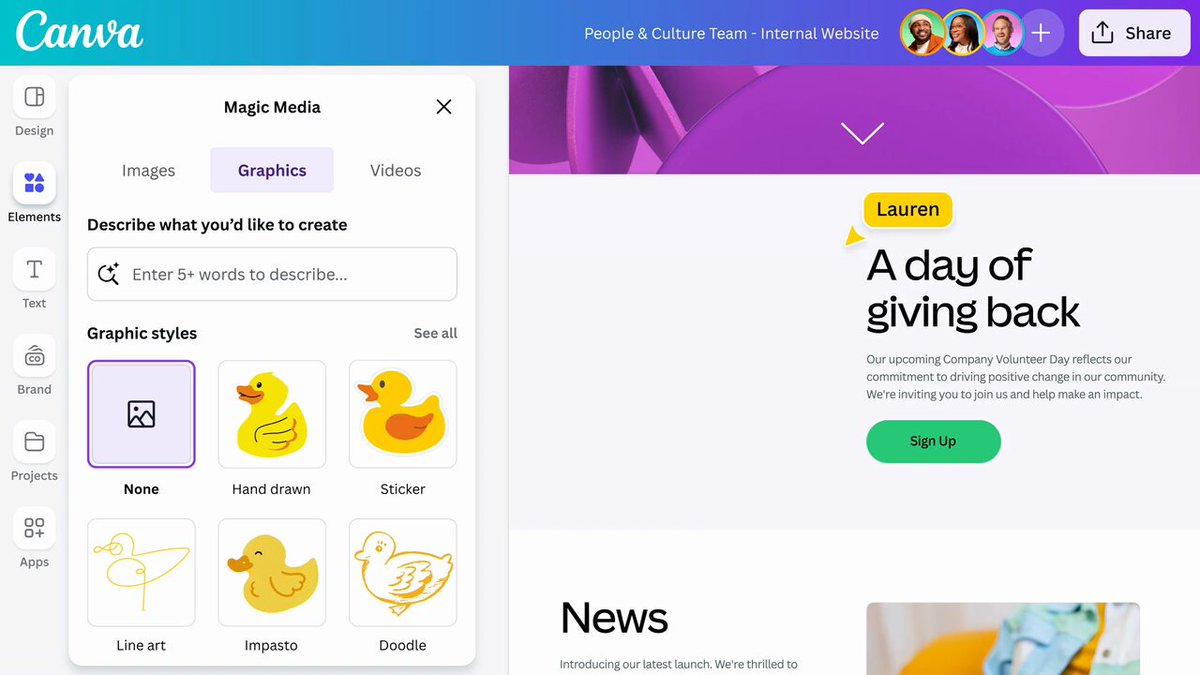
Upgrade your design process with Canva's AI innovations, including Text to Graphic, which transforms text descriptions into creative graphics instantly.
Upgrade your design process with Canva's AI innovations, including Text to Graphic, which transforms text descriptions into creative graphics instantly.
10. Personalize with Magic Write
Magic Write now personalizes content by matching your unique tone of voice, making your communications sound just like you.
Magic Write now personalizes content by matching your unique tone of voice, making your communications sound just like you.

11. Enhanced Productivity Apps
Explore Canva's Apps Marketplace to enhance your images with advanced effects or improve photo resolutions, adding more versatility to your creative projects.
Explore Canva's Apps Marketplace to enhance your images with advanced effects or improve photo resolutions, adding more versatility to your creative projects.

12. Enhanced Video Editing
Canva's video editor now includes AI-driven tools for enhancing audio quality and creating engaging video clips, elevating your video production to professional standards.
Canva's video editor now includes AI-driven tools for enhancing audio quality and creating engaging video clips, elevating your video production to professional standards.

Join 11,000+ readers to get the latest AI insights, tools, tutorials, and guides to enhance your AI workflows.
Subscribe for free:
insightai.beehiiv.com
Subscribe for free:
insightai.beehiiv.com

That's a wrap!
If you found this helpful:
1. Repost to share it with others.
2. Bookmark this post and follow me @Rixhabh__ for more.
If you found this helpful:
1. Repost to share it with others.
2. Bookmark this post and follow me @Rixhabh__ for more.
Loading suggestions...