

Build and deploy custom AI assistants with RAG without writing a single line of Python Code (step-by-step instructions):
1. Go to Abacus ChatLLM platform
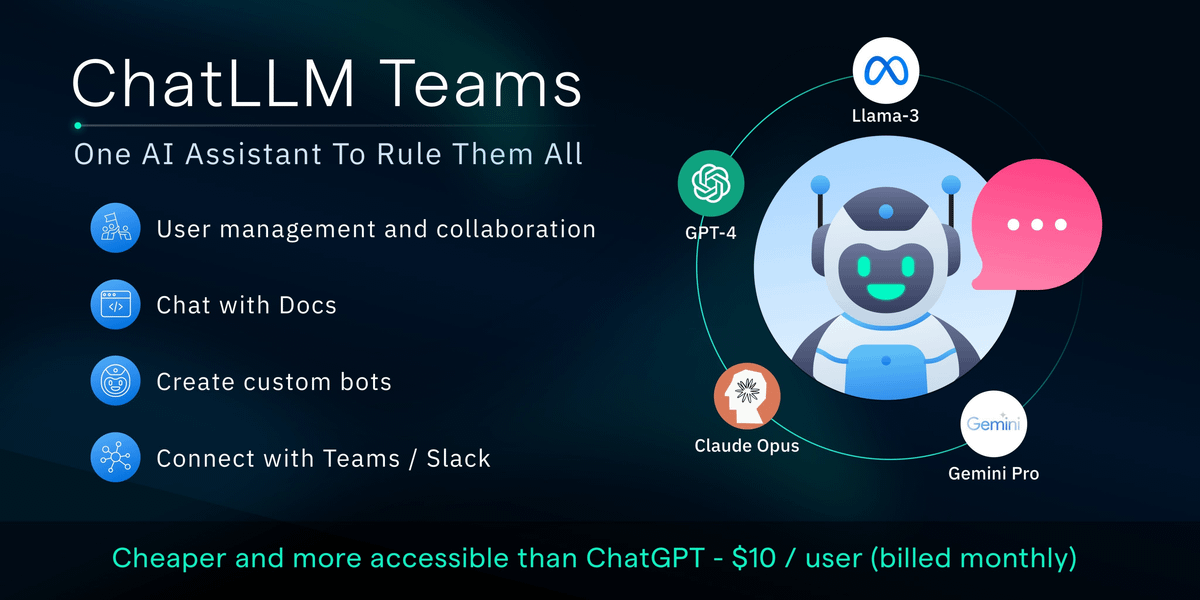
ChatLLM lets you access GPT-4o, Claude, Llama 3 and Gemini in a single AI playground.
In the dropdown, click on "Add new Chatbot" and that will take to the page for creating custom chatbot. Give a name to your project and click finish.
ChatLLM lets you access GPT-4o, Claude, Llama 3 and Gemini in a single AI playground.
In the dropdown, click on "Add new Chatbot" and that will take to the page for creating custom chatbot. Give a name to your project and click finish.

2. Connect Your Dataset
Upload your dataset (PDF, word files, etc.) or connect to external sources like Slack, Google Drive, OneDrive, SharePoint, and more all with just a few clicks.
Upload your dataset (PDF, word files, etc.) or connect to external sources like Slack, Google Drive, OneDrive, SharePoint, and more all with just a few clicks.

3. Ask the AI Agent to build custom chatbot with RAG
Simply ask the AI Agent to build your RAG application. It will handle everything:
• Chunking your documents
• Setting up a vector store
• Evaluating all the latest LLMs
• Creating a custom chatbot
Simply ask the AI Agent to build your RAG application. It will handle everything:
• Chunking your documents
• Setting up a vector store
• Evaluating all the latest LLMs
• Creating a custom chatbot

4. Deploy your RAG Application
After the RAG application is ready, you can easily deploy it with a few clicks and the deployed chatbot will be available for you to chat in the playground.
After the RAG application is ready, you can easily deploy it with a few clicks and the deployed chatbot will be available for you to chat in the playground.

5. Chat with your RAG Chatbot
Once deployment is complete, the model will be available to chat in the AI playground.
You can also use the model via Python API provided in the predictions API section.
Once deployment is complete, the model will be available to chat in the AI playground.
You can also use the model via Python API provided in the predictions API section.

With just $10 you can access GPT-4o, Claude, Llama 3, Gemini and more LLMs in single AI playground.
First month is free, try it out now: chatllm.abacus.ai
First month is free, try it out now: chatllm.abacus.ai

If you find this useful, RT to share it with your friends.
Don't forget to follow me @Saboo_Shubham_ for more such LLMs tips and tutorials.
x.com
Don't forget to follow me @Saboo_Shubham_ for more such LLMs tips and tutorials.
x.com
Loading suggestions...