

Goodbye Graphic Designers.
I found an AI tool that edits photos in seconds.
Here's the secret tool:
I found an AI tool that edits photos in seconds.
Here's the secret tool:
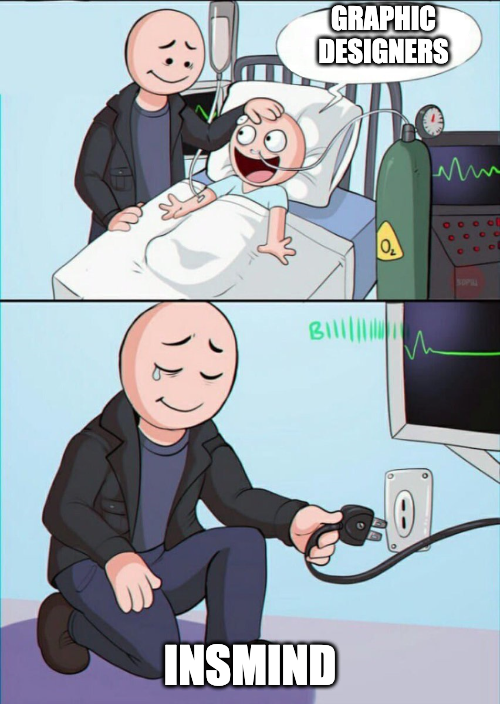
Presenting @insmind_com
With insMind, you can:
• Improve image quality
• Apply artistic filters
• Generate perfect backgrounds effortlessly
Take your images to the next level with advanced features for both professionals and hobbyists.
🔗 bit.ly
With insMind, you can:
• Improve image quality
• Apply artistic filters
• Generate perfect backgrounds effortlessly
Take your images to the next level with advanced features for both professionals and hobbyists.
🔗 bit.ly


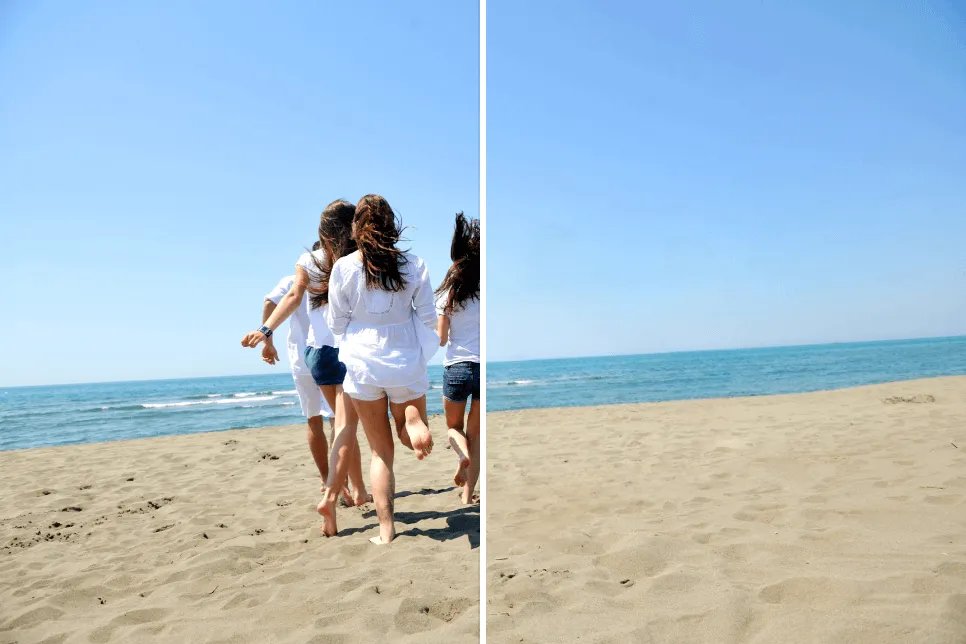
@insmind_com 1. Magic Eraser:
insMind lets you easily erase any parts from the image you want.
Magic Eraser quickly removes backgrounds and edits images without affecting picture quality.
insMind lets you easily erase any parts from the image you want.
Magic Eraser quickly removes backgrounds and edits images without affecting picture quality.

@insmind_com Example: Magic Eraser
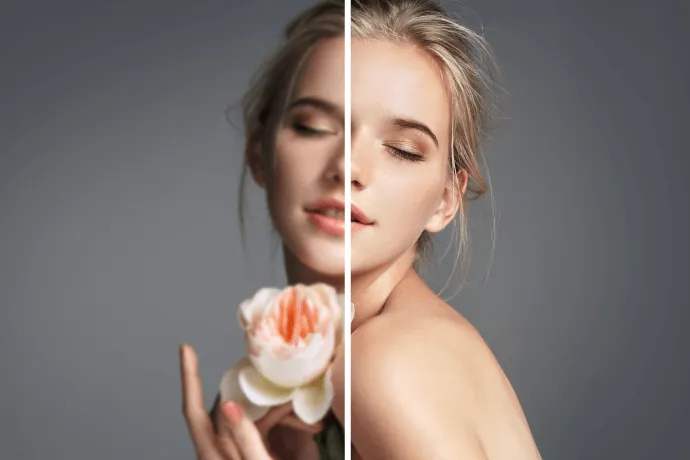
@insmind_com 2. AI Image Enhancer:
With insMind, you can transform low-resolution photos into high-quality images.
It analyzes and fills in missing details, effortlessly enhancing clarity and detail.
With insMind, you can transform low-resolution photos into high-quality images.
It analyzes and fills in missing details, effortlessly enhancing clarity and detail.

@insmind_com Example: AI Image Enhancer
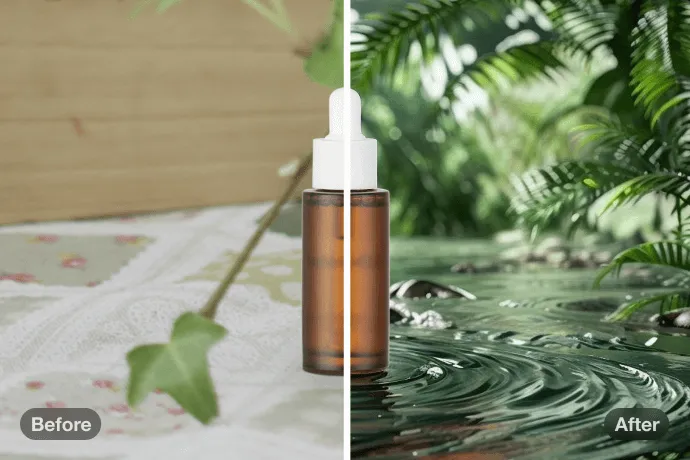
@insmind_com 3. AI Background Generator:
With insMind, you can easily transform product photos with AI-generated backdrops.
All you have to do is upload your image, and their tech instantly replaces the background, enhancing visual appeal.
With insMind, you can easily transform product photos with AI-generated backdrops.
All you have to do is upload your image, and their tech instantly replaces the background, enhancing visual appeal.

@insmind_com Example: AI Background
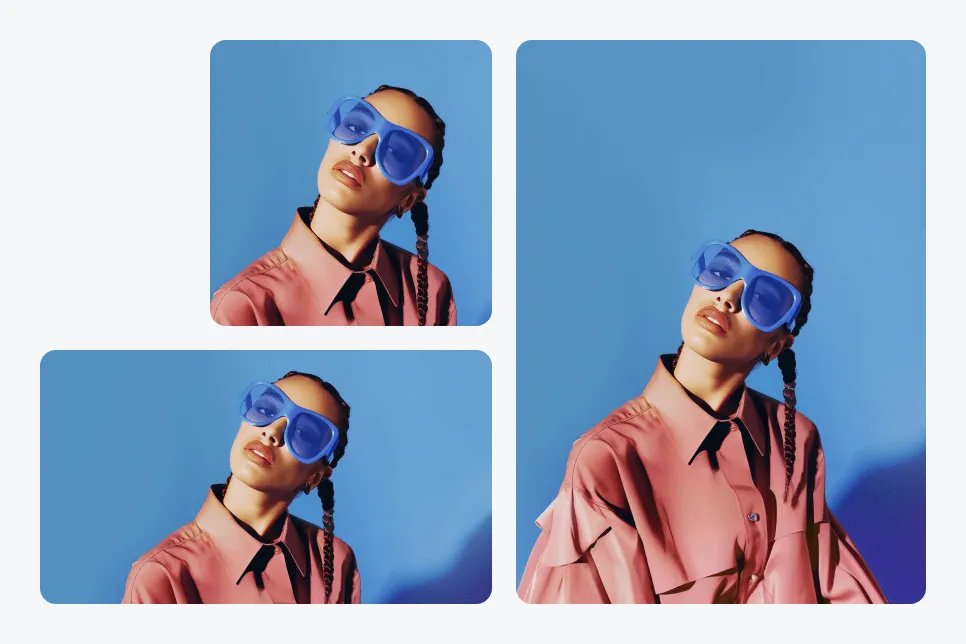
@insmind_com 4. AI Expand:
This tool uses advanced algorithms to enlarge your image while maintaining clarity and quality.
It is perfect for improving resolution, extending backgrounds, preparing high-quality prints.
This tool uses advanced algorithms to enlarge your image while maintaining clarity and quality.
It is perfect for improving resolution, extending backgrounds, preparing high-quality prints.

@insmind_com Example: AI Expand
@insmind_com Bonus:
Subscribe to our newsletter: waketheai.com
...and receive a FREE "Ultimate ChatGPT Handbook" with 1800+ Prompts.
Get the best updates on AI, Tech, Productized Biz, and No-Code Tools.
Subscribe to our newsletter: waketheai.com
...and receive a FREE "Ultimate ChatGPT Handbook" with 1800+ Prompts.
Get the best updates on AI, Tech, Productized Biz, and No-Code Tools.

@insmind_com That's a wrap!
If you enjoyed this thread:
1. Follow me @JaynitMakwana for more of these
2. RT the tweet below to share this thread with your audience
If you enjoyed this thread:
1. Follow me @JaynitMakwana for more of these
2. RT the tweet below to share this thread with your audience
Loading suggestions...